




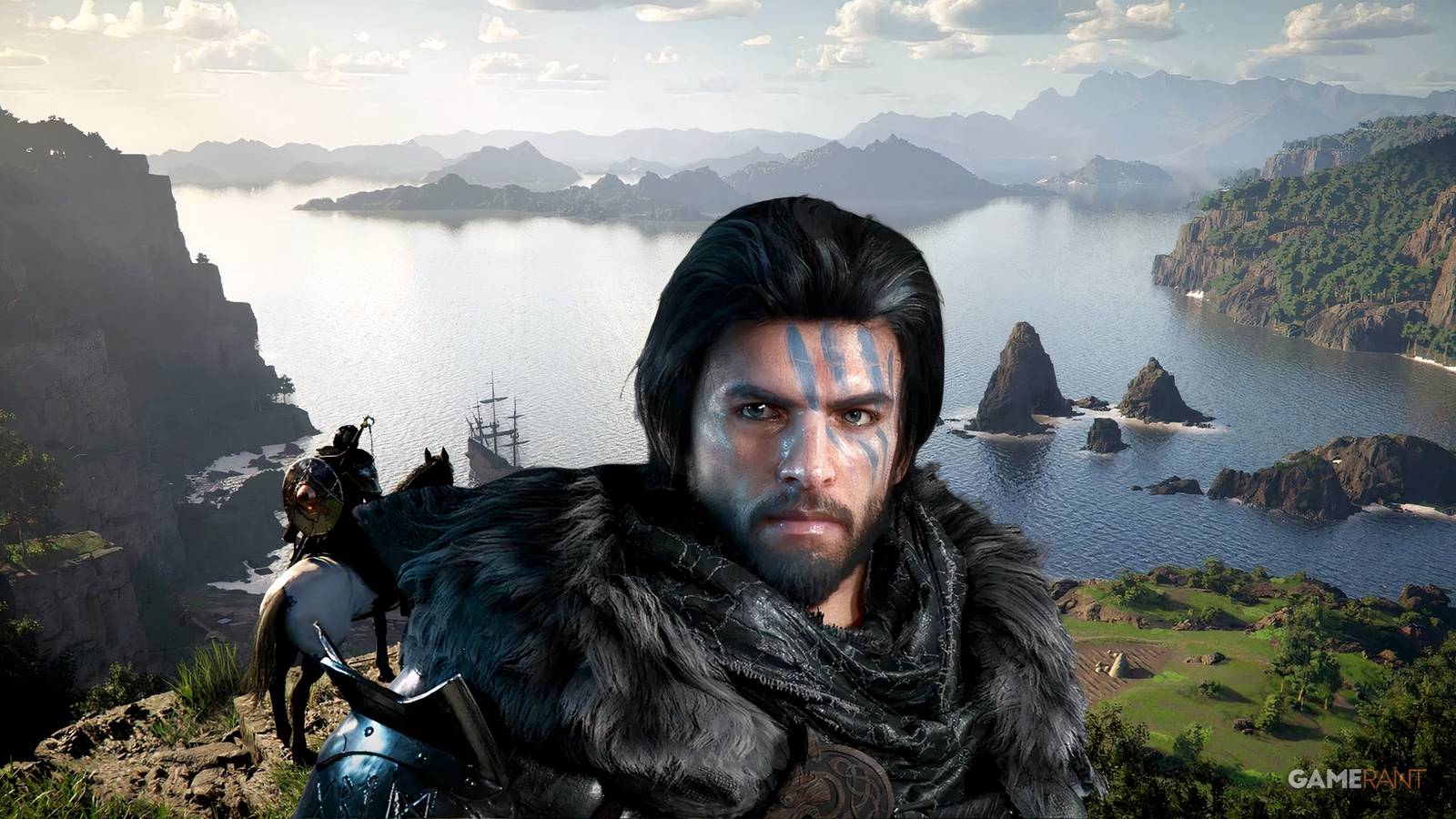
Crimson Desert players are finding new settings optimizations that make Pearl Abyss’ medieval fantasy action-adventure look a lot better in the visual department, particularly on console. Crimson Desert‘s visuals have been both a blessing and a curse, as its gorgeous open world has failed to shine through on some platforms, but both the developer and the player base are looking for ways to change that.
The critical and financial success of Crimson Desert has been a major boon for Pearl Abyss, which has seen its stock skyrocket in the few weeks following the game’s March 19 launch. Crimson Desert sold 2 million copies within one day of its release, and though there were some early complaints about its control scheme and other issues, fans have become less sharply divided over its quality as the days have gone by.
This Might Be the Best Argument Yet for Crimson Desert to Add Difficulty Settings
A Crimson Desert player shares their reasoning for why adding difficulty settings to the game would be a boon, and many fans are in agreement.
Crimson Desert Player Offers Helpful Console Settings Optimization Recommendation
Despite that upward trend in player satisfaction, many are still struggling with finding the right settings to make the visuals really pop. This has been an issue among all platforms the game was released on, but it has mainly affected console players, with a particularly high number of reports of blurry graphics when playing Crimson Desert on PS5. Now, one PS5 owner, who uses the Reddit handle lixmdvs88, has offered a settings optimization recommendation that many gamers have found useful. Using a standard PS5, this setup includes using the standard HDR settings, turning on V-Sync and Fixed 4K Output, turning off Depth of Field, and setting contrast to 50, particle effect quality to 20, and both camera shake intensity and blur intensity to zero.
But possibly the most important factor of all is selecting the right mode for Crimson Desert‘s performance on consoles. For many players, the game seems to work best when playing in Balanced Mode, the midway point between Performance and Quality modes. Surprisingly, this seems to be the best way to avoid screen blur on PS5, and while it does come with somewhat of a drop in FPS when compared to Performance Mode, many players have reported it’s barely noticeable.

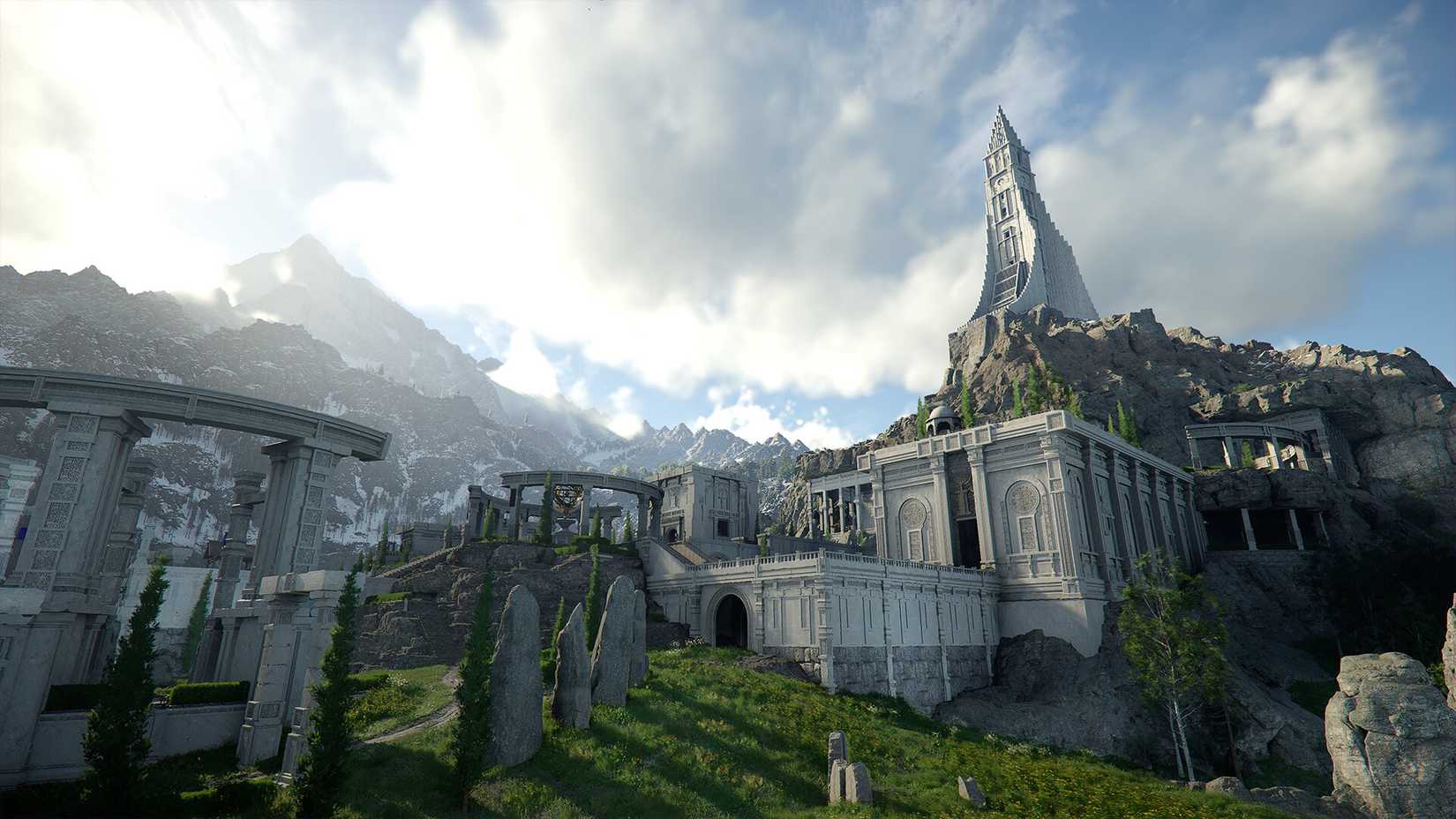
Multiple players on Xbox Series X/S have reported similar improvements when using these settings, but of course, different consoles and PCs will offer varying results in graphical output. That’s also true of the televisions that consoles are hooked up to. In this case, the player was using a 4K Samsung TV UHD (60hz), and they recommend setting it to Game Mode and turning this sharpness down to zero. Crimson Desert PC optimization can be much harder to nail down due to widespread customization of gaming machines, but there are a lot of options under the settings menu that players can tweak and find the perfect setup for their units.


Drag weapons to fill the grid
Drag weapons to fill the grid
EasyMediumHard
In the meantime, Pearl Abyss has been working on emergency patches for Crimson Desert to address some of its graphical issues. One such patch, released at the tail end of March, was designed to eliminate screen blurriness in specific environments and some flickering issues, which applied to both the visual borders between the clouds and the sky and chimney smoke when it was overlapping with other objects. That same set of patch notes identified problems with NVIDIA Ray Reconstruction and DLSS, and while the developers fixed some of those issues in the late March update, they will continue to look for further ways to visually improve Crimson Desert.

- Released
-
March 19, 2026
- ESRB
-
Mature 17+ / Blood, Drug Reference, Intense Violence, Strong Language
- Developer(s)
-
Pearl Abyss
- Publisher(s)
-
Pearl Abyss