




No Man’s Sky has released the patch notes for Update 6.22, giving players an idea of what has changed. While this recent patch lacks new content, it addresses various issues No Man’s Sky players have encountered since the Remnant update, improving the gameplay experience.
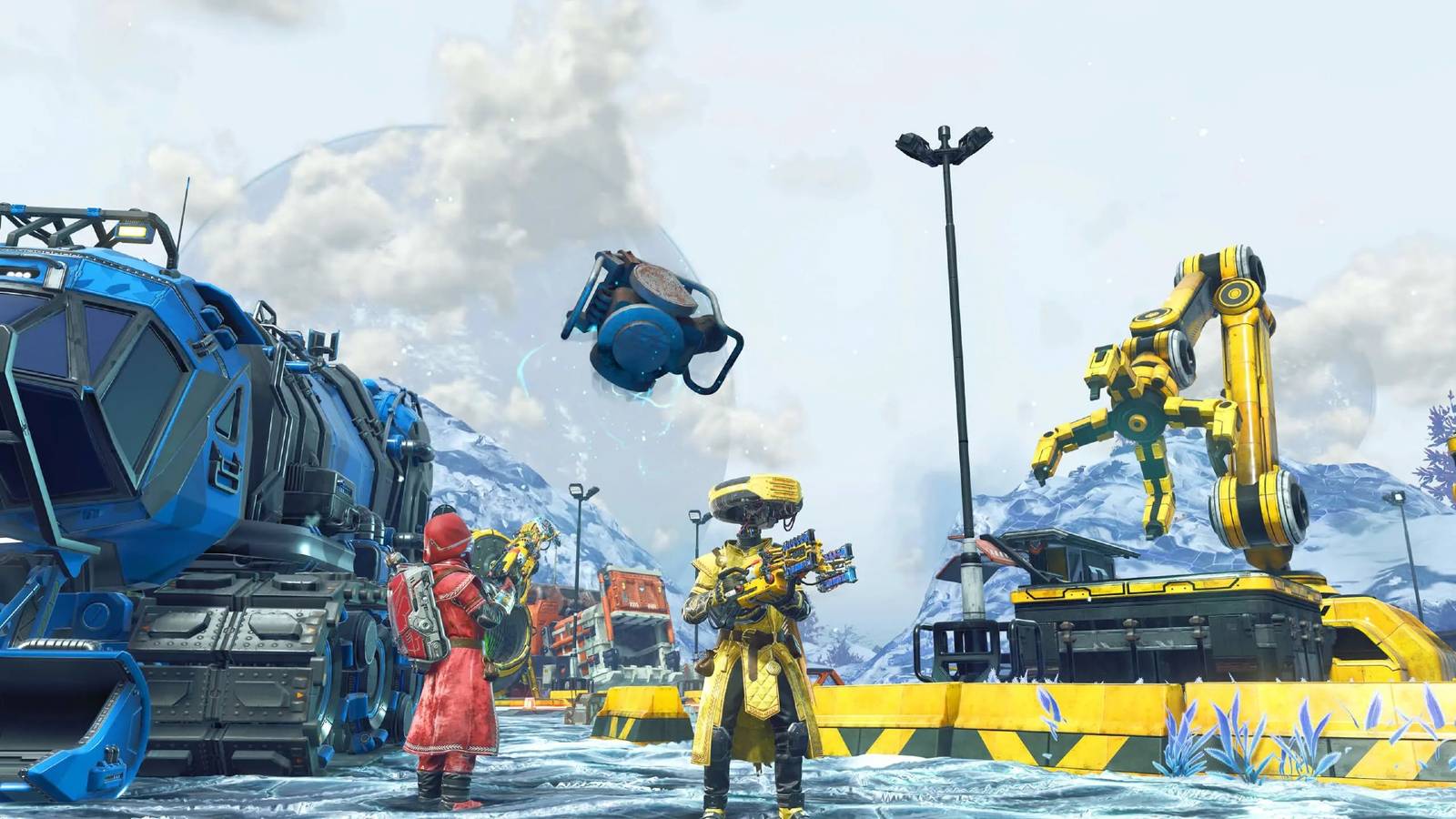
As 2026 gets underway, No Man’s Sky shows no signs of slowing down. Hello Games released Remnant on February 11, bringing another free and sizable update to the game’s procedurally generated universe. Thanks to this update, players have even more to do, including cleaning up planets filled with industrial waste. To help with this endeavor, the developer added the Gravitino Coil, a gravity gun attachment for the multitool, and enhancements to the Colossus Exocraft, among other things. Additionally, a Remnant expedition was added that awarded a new set of exosuit armor. While fans have enjoyed the new content in No Man’s Sky, some bugs have cropped up.
How to Find Sodium Nitrate in No Man’s Sky
Used to craft and charge defensive tech, here’s how to find and produce Sodium Nitrate in No Man’s Sky.
Fortunately, Hello Games has already started to work on addressing some of these problems from Remnant, with its latest effort coming via Update 6.22. In particular, the development team fixed various issues related to the Gravitino Coil and the Exocraft in No Man’s Sky. The new gravity gun now has better damage and stun potential when launching objects, and its ability to magnetize armored Sentinel drones has been improved. Some other notable changes include a fix to prevent the new mechanical legs of the Exocraft from getting stuck when moving along terrain, and improvements were also made to the camera when driving. A more controversial fix pertained to the mining laser, which now consumes fuel as intended. Unsurprisingly, some players were a bit disappointed with this change, as they were previously able to use the tool without expending resources.


Rearrange the covers into the correct US release order.
Rearrange the covers into the correct US release order.
Easy (5)Medium (7)Hard (10)
Besides addressing problems related to features from No Man’s Sky’s Remnant update, the developer targeted some platform-specific bugs. For instance, Update 6.22 improved various UI textures on PC and fixed rendering issues on PS4 and Nintendo Switch 1 and 2. Another fix was made to correct a problem with the field of view sliders on the Switch 2 version of No Man’s Sky. Unfortunately, the patch notes did not mention fixes for crashes on Xbox. Recently, players on Xbox Series X/S have reported numerous crashing issues, ruining the gameplay experience for some.

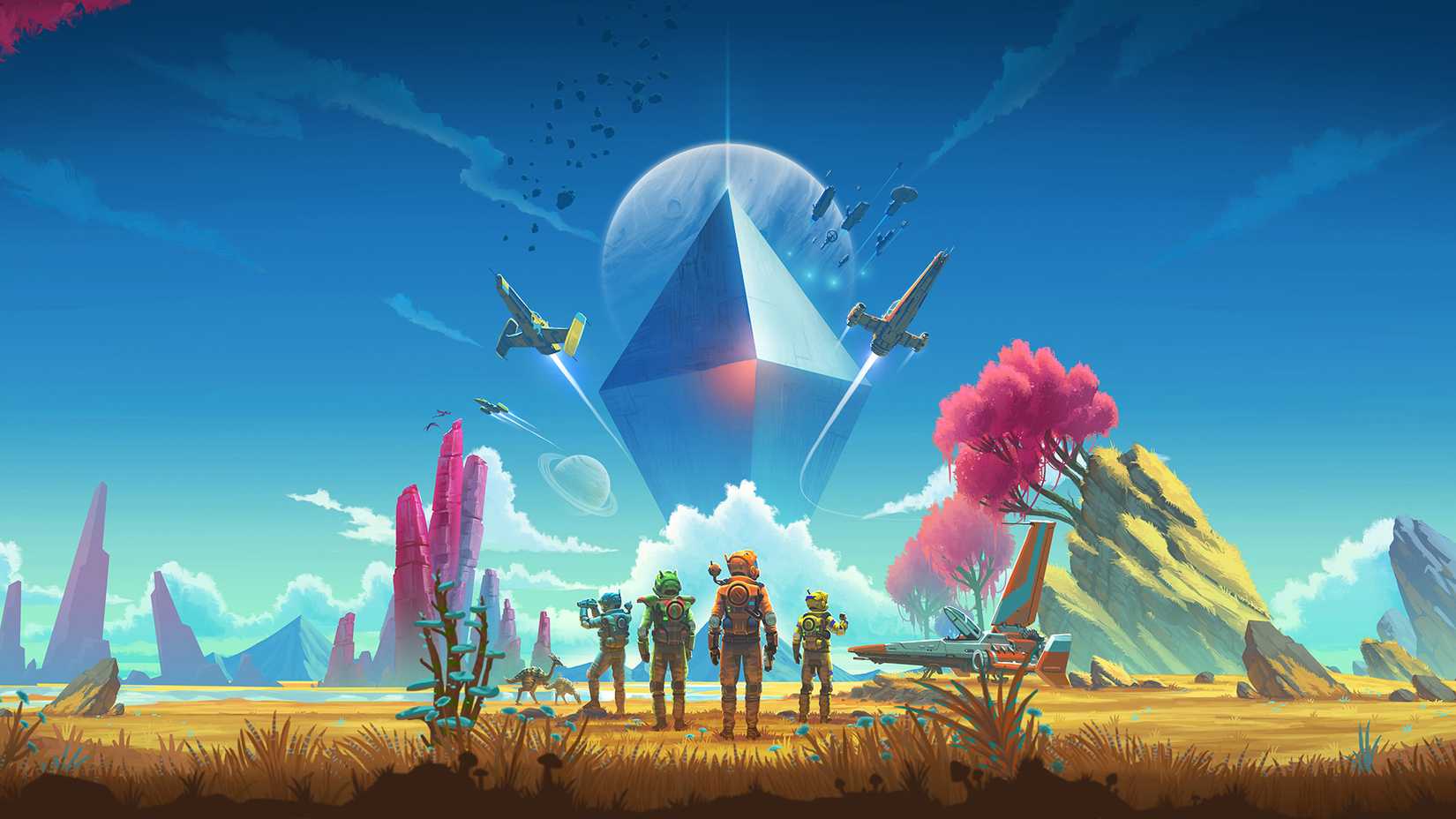
It is worth noting that Update 6.22 is being released in waves. While it is already available on Steam for PC users to download, other players are still waiting for their chance to test the improvements. Hello Games noted that the update will come to other platforms “as soon as possible.” Ultimately, Xbox players will have to wait and see if any additional fixes are implemented to address the crashing issues on the platform.
As always, Hello Games noted that feedback is encouraged from the community. According to the developer, players can submit bug reports to alert the team to new issues. It is worth pointing out that this is the third patch for the game since the Remnant update. However, Update 6.22 addresses the most bugs players have experienced.
Hopefully, bugs will continue to be squashed as they appear so that players can enjoy everything the game has to offer. While Hello Games is still working on Light No Fire, support for No Man’s Sky will persist. In fact, the developer has noted that features created for Light No Fire have even made their way back into the space exploration game. It remains to be seen when players will get a new look at Hello Games’ next game, but at least they can plan on more content to come to No Man’s Sky in the interim.
Remnant 6.22 Update – Patch Notes (February 16, 2026)
Hello Everyone,
Thank you to everyone playing No Man’s Sky – Remnant, especially those taking the time to report any issues they encounter via Zendesk or console crash reporting.
We are listening closely to your feedback, and have identified and resolved a number of issues. These fixes are included in patch 6.22, which is now live on Steam, and will be coming to other platforms as soon as possible.
Bug Fixes
- Fixed an issue that could cause the player to be immediately placed in the driver’s seat when summoning an Exocraft.
- Improved the Exocraft Radar’s ability to locate nearby buildings when scanning.
- Improved the appearance of the Gravitino Coil crosshair.
- Fixed an issue that could cause Exocraft to clip with terrain when summoned on a steep incline.
- Improved the visual effects on the Colossus Exocraft.
- Fixed some missing collision at waste heaps.
- Fixed an issue that could cause the Exocraft Mining Laser to fail to consume fuel.
- Fixed a number of camera issues while driving an Exocraft, especially while on slopes.
- Improved the appearance of the customisation UI (for example, when customising an Exocraft).
- Added audio to the “Toot Toot!” gesture.
- Improved the appearance of the Waste Processing Plant valuation scale.
- Improved the visual effects on industrial waste being processed by other Travellers in the Remnant expedition.
- Fixed an issue that could cause the wheels of other players’ Exocraft to appear to spin erratically.
- Fixed a camera transition issue that could occur after multiple uses of the auto-collection utility at Waste Processing plants.
- Improved the appearance of the trees on the Remnant expedition planet.
- Improved the Gravitino Coil’s ability to magnetise armoured Sentinel drones.
- Fixed a rendering issue with Exocraft cabins when using the Cyclops Scope in first person.
- Improved the collision of the Colossus Exocraft.
- Fixed some missing collision at Waste Processing Plants.
- Fixed some minor visual issues with Exocraft cockpits.
- Fixed an issue that could cause weapons fired from the Exocraft in first person to clip with the vehicle.
- Fixed a minor visual issue with the Gravitino Coil.
- Fixed an issue that could cause the Colossus Exocraft mechanical legs to get caught on obstacles.
- Fixed an issue that could prevent the player from colliding with Exocraft wheels after reloading a save.
- Improved the damage and stun potential of objects launched by the Gravitino Coil.
- Fixed an issue that could cause the Personal Forcefield to collide with Exocraft.
- Fixed an issue at the end of the Remnant expedition that could cause the Starship to permanently run out of fuel.
- Fixed an issue that could cause invisible collision to block the opening of the Colossus-mounted furnace.
- Fixed an issue in the Remnant expedition that could prevent waypoints to fail to count towards the Roadsigns milestone.
- Fixed a rare timing-based issue that could cause the player to spawn in space if reloading an autosave immediately after loading into an expedition.
- Fixed an issue that could cause the mission notifications HUD to be suppressed in Exocraft.
- Added additional guidance to the Industrial Cleanup tutorial.
- Fixed an issue that caused the Industrial Cleanup persistent mission to display incorrect icons in the log.
- Improved the context awareness of the Industrial Cleanup persistent mission.
- Added additional guidance to the Road Trip milestones in the Remnant expedition.
- Fixed an issue which caused overly birght lighting in starship cockpits.
- Fixed an issue that could hide the Collect Expedition Rewards guidance mission from the Mission Log.
- Fixed an issue that would cause some Discovery thumbnails to render incorrectly.
- Fixed an issue that could cause the camera to get stuck in third person mode if using a gesture while riding a creature in first person.
- Fixed an issue that caused some objects to appear excessively bright in the Analysis Visor.
- Fixed an issue that could cause some 3D objects (such as fishing floats) to render incorrectly on UI screens and in VR.
- Fixed an issue that removed the lines from the crafting steps UI.
- Fixed an animation issue with jetpack wings.
- Fixed an issue that could cause other players’ Multi-Tools to be visible while holstered.
- Fixed an issue where climbing a ladder into a bioroom would cause the player to appear on top of it.
- Fixed an issue which caused some base parts to be incorrectly offset or rotated.
- Fixed an issue that could cause a black screen in VR if GTAO was disabled.
- Improved the appearance of a number of UI textures in sub-4K resolutions on PC.
- Fixed an issue with the virtual keyboard on PS5 Pro in 8K.
- Fixed an issue that prevented the Field of View sliders in the Options menu from functioning on Nintendo Switch 2.
- Fixed the rendering of Terrain Manipulator reticle effects on Nintendo Switch 2.
- Fixed a rendering issue with the player torch on PlayStation 4 and Nintendo Switch 1 / 2.
- Fixed an issue that could cause planetary objects to flicker on Mac.
We will continue to release patches as issues are identified and resolved. If you experience any issues, let us know by submitting a bug report.
Thank you,
Hello Games

- Released
-
August 9, 2016
- ESRB
-
T for Teen: Fantasy Violence, Animated Blood