










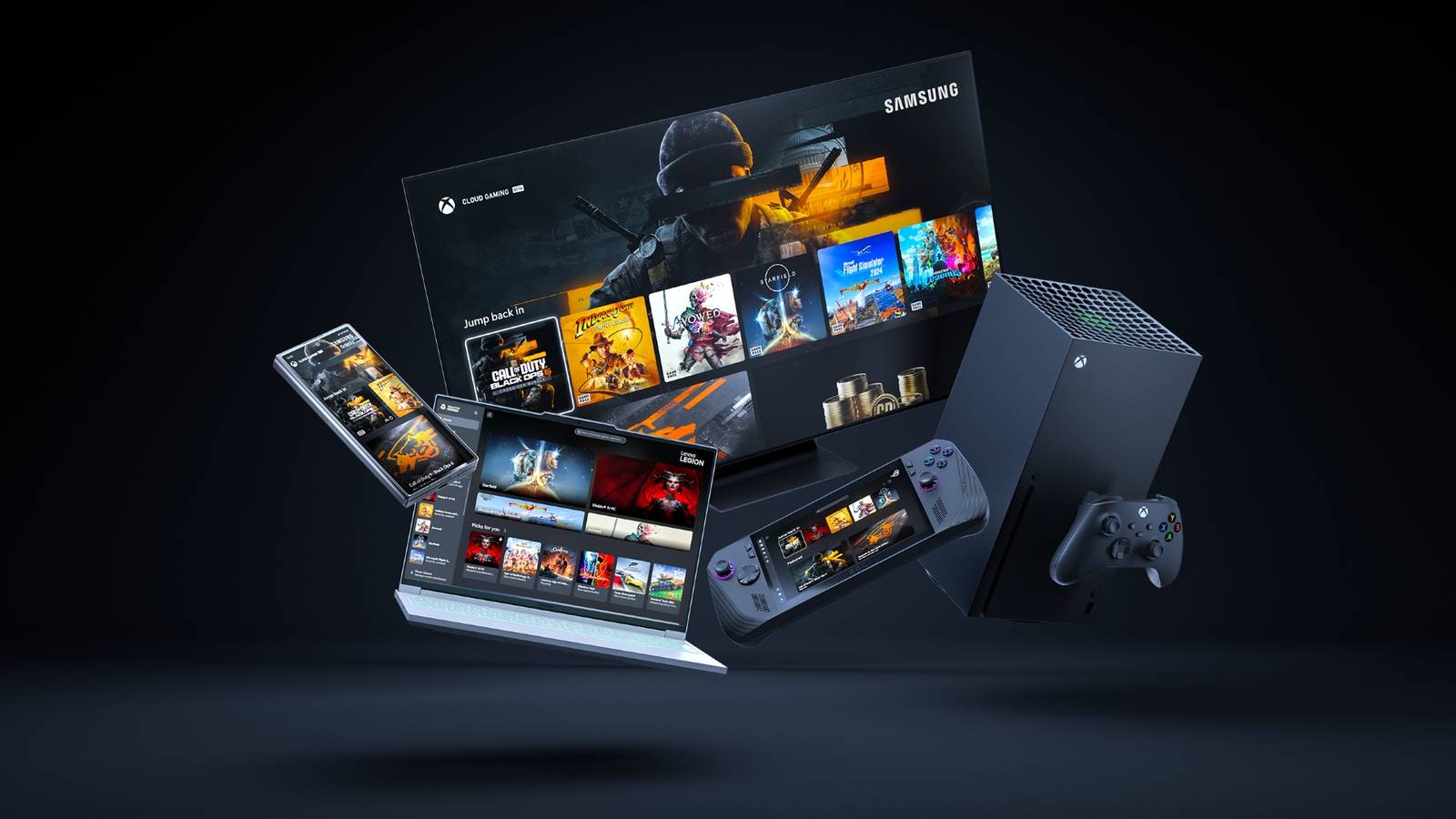
Microsoft is rolling out Xbox Mode on Windows 11 PCs right now, which brings a console-like experience to desktops, laptops, and handheld devices with the latest Windows 11 update. However, the Xbox Mode experience will be rolled out in waves across different regions, so not every PC player will receive it at the same time.
In short, Xbox Mode will allow gamers to easily play their PC titles via a full-screen user interface that is optimized for controllers. Players can also jump back and forth between Xbox Mode and the standard Windows 11 desktop at any time, and can access Xbox Game Pass titles and their game libraries. While in Xbox Mode, apps are in full-screen mode, and only one window is displayed at a time to cut down on background distractions. Though it was first available for testing via Windows Insider Preview Builds in late 2025, Xbox Mode started rolling out to the public on Thursday, April 30.
New Xbox Game Pass Leak Reveals New ‘Starter Edition’ Tier
A new leak states that Xbox Game Pass may soon introduce a new ‘Starter Edition’ tier that comes with a few nifty perks for subscribers to consider.
Xbox Mode Is Rolling Out Now Across Supported Devices
To ensure Windows 11 devices are ready for Xbox Mode whenever it is available, Microsoft laid out some steps users can take right now. In a blog post dedicated to Xbox Mode, Microsoft stated that Windows 11 users looking to try out Xbox Mode should check their system settings and download all the latest Windows updates. Turning on the option to “Get the latest updates as soon as they are available” is required to download Xbox Mode as soon as it’s ready. Once Xbox Mode is available, users can activate it by going into Settings, selecting Gaming on the left side of the screen, clicking on Xbox mode, and toggling it on.

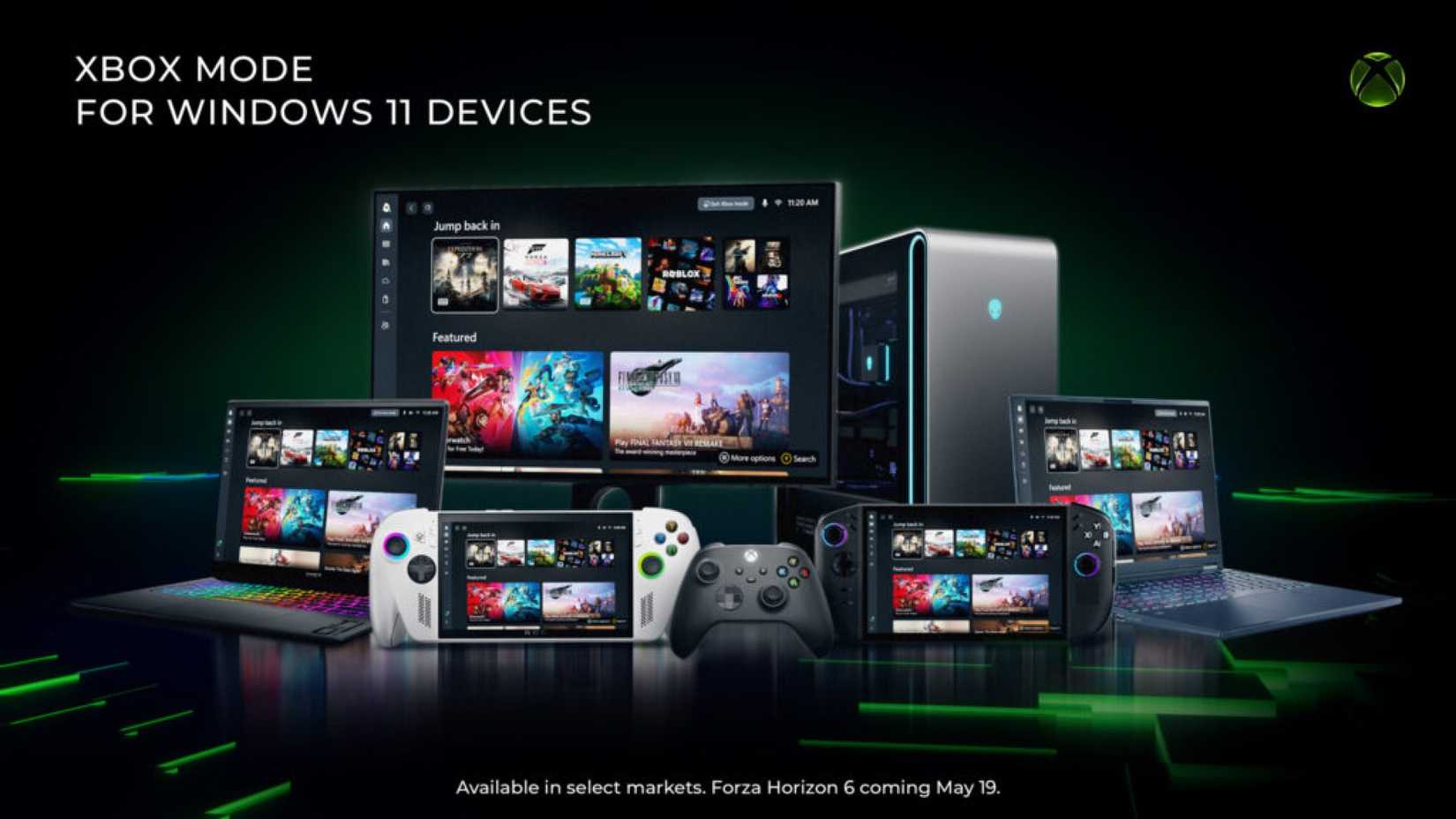
Once Xbox Mode is activated, it can be entered from the Game Bar Settings menu, or by pressing the Windows Key + F11. Users can also get to Xbox Mode via Windows 11’s Task View, which can be opened by pressing the Windows Key + Tab. Additionally, users on supported handheld devices, including the ROG Xbox Ally and Xbox Ally X, can boot directly into Xbox Mode on startup once it is available. It is currently unclear which specific regions have access to Xbox Mode as of this writing, so users are encouraged to keep their Windows 11 devices updated to receive Xbox Mode as soon as it’s available.
Another good rule of thumb to follow is to make sure all graphics drivers are up-to-date, which can minimize issues and unlock new features. AMD, Intel, and Nvidia GPU users can check their card manufacturer’s website or driver software, such as the Nvidia App and AMD Adrenalin, for the latest GPU drivers.
Xbox Mode Comes At The Right Time For Microsoft

Xbox Mode’s global release comes amid a time of great change for Microsoft and the Xbox brand. On April 21, Microsoft announced that one of its changes would see decreases to Xbox Game Pass subscription prices. Xbox Game Pass Ultimate and PC Game Pass prices were reduced to $23.99 and $13.99 per month, respectively. However, the move came with a major caveat, as future Call of Duty releases will not be available as Day One Game Pass titles. Microsoft then clarified that the move does not affect any Call of Duty games currently available on Xbox Game Pass, and that future Call of Duty entries would be on Game Pass a year after launch.
While Microsoft has admitted it has work to do after a Q3 2026 earnings slump, the implementation of Xbox mode should make PC gaming a smoother experience. As Xbox mode continues to roll out across the globe, time will tell how many Windows users will take advantage of the new option.
