








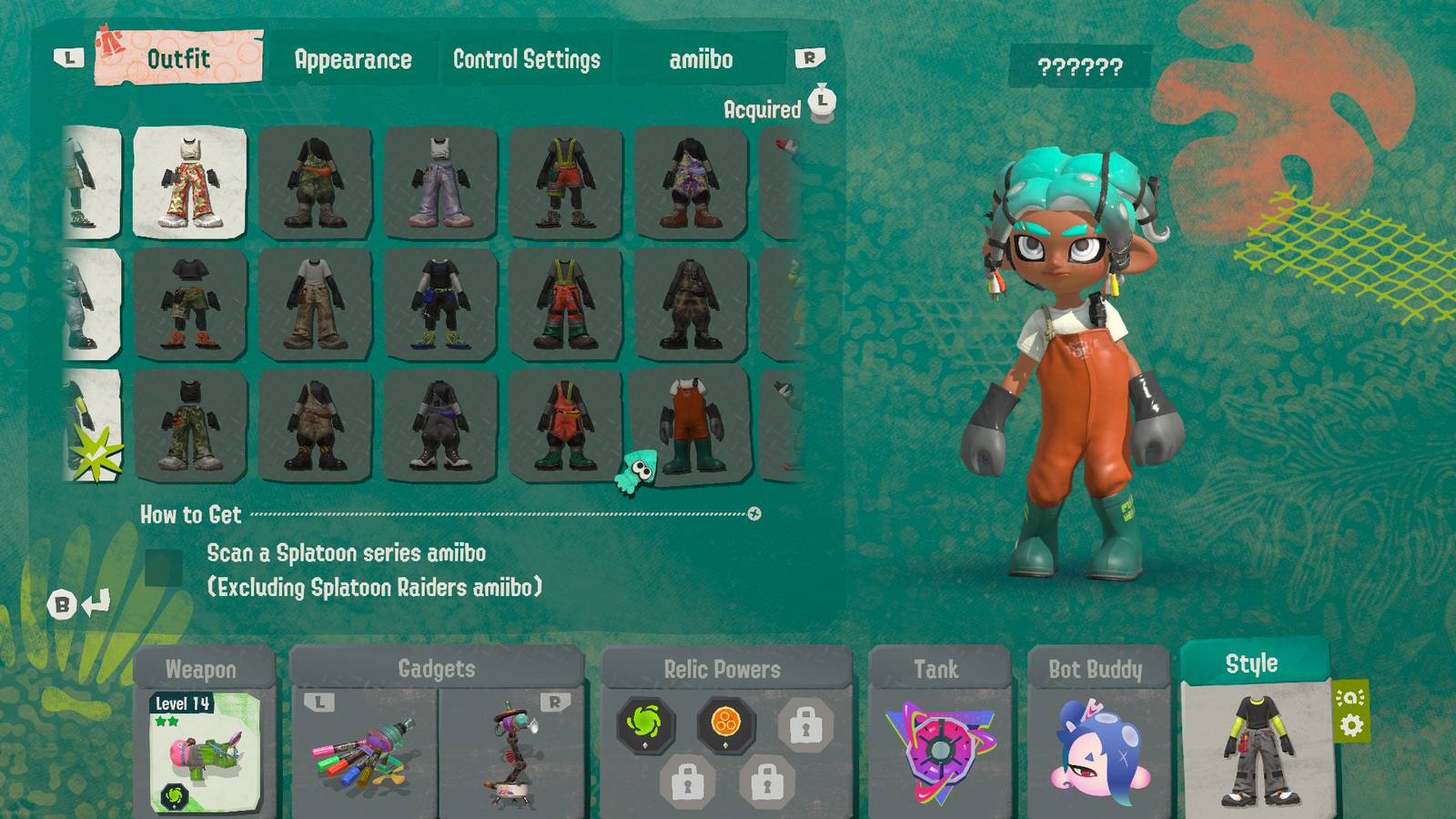
You can unlock four outfits in Splatoon Raiders by opening the Gear menu, selecting the Style tab, navigating to the amiibo section, and scanning a relevant amiibo. One of those outfits is unlocked by scanning any Splatoon series amiibo that is not a Splatoon Raiders amiibo, while the other three are unlocked by scanning the three Splatoon Raiders amiibo. This guide showcases the Splatoon Raiders amiibo outfits and provides more details on how to unlock and equip them.
Splatoon Raiders Amiibo Outfits
Here are the four amiibo outfits in Splatoon Raiders and details on the amiibo that unlock them:
|
Outfit |
Amiibo |
|---|---|
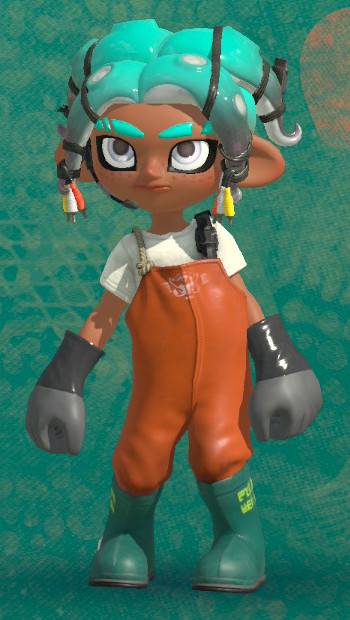 |
Any Splatoon series amiibo (excluding Splatoon Raiders amiibo) |
 |
Shiver (Splatoon Raiders) amiibo (125231) |
 |
Frye (Splatoon Raiders) amiibo (125230) |
 |
Big Man (Splatoon Raiders) amiibo (125232) |

How to Unlock Amiibo Gear in Splatoon Raiders
Follow these steps to unlock amiibo outfits in Splatoon Raiders:
- Press + on the Hideout Ship to access the Gear menu.
- Select the Style tab in the bottom-right corner.
- Use L or R to navigate to the amiibo tab at the top and select Scan.
- Tap your Splatoon amiibo on the NFC touchpoint depicted in the image to unlock the associated outfit.
How to Equip Amiibo Outfits in Splatoon Raiders
Once you’ve unlocked an amiibo reward, follow these steps to wear it:
- Press + on the Hideout Ship to access the Gear menu.
- Select the Style tab in the bottom-right corner.
- Use L or R to navigate to the Outfit tab.
- Select the outfit you want to wear to equip it.




- Released
-
July 23, 2026
- ESRB
-
Everyone 10+ / Fantasy Violence
- Developer(s)
-
Nintendo EPD
- Publisher(s)
-
Nintendo