

Close Menu
Best in Gaming
  • Home
  • News
  • PC Games
  • PlayStation
  • Xbox
  • Nintendo
  • Mobile
  • Editor’s Picks
  • Press Release
What's On
Zach Cregger’s Resident Evil Movie Script Might Have Leaked

Zach Cregger’s Resident Evil Movie Script Might Have Leaked

7 March 2026
Assassin’s Creed Black Flag Resynced is a Double-Edged Pirate Saber for Ubisoft

Assassin’s Creed Black Flag Resynced is a Double-Edged Pirate Saber for Ubisoft

7 March 2026
Pokemon FireRed and LeafGreen’s Best Shiny Hunting Strategy is Unfotunately Version Exclusive

Pokemon FireRed and LeafGreen’s Best Shiny Hunting Strategy is Unfotunately Version Exclusive

7 March 2026
YouTube Channel TheOdd1sOut Lays Off Team With No Warning

YouTube Channel TheOdd1sOut Lays Off Team With No Warning

7 March 2026
I’m Already Mourning Disney Dreamlight Valley’s DreamSnaps

I’m Already Mourning Disney Dreamlight Valley’s DreamSnaps

7 March 2026
Facebook X (Twitter) Instagram
Best in Gaming
  • Home
  • News
  • PC Games
  • PlayStation
  • Xbox
  • Nintendo
  • Mobile
  • Editor’s Picks
  • Press Release
Best in Gaming
Home » Animal Crossing Island Transfer Tool: How To Move Your New Horizons Saves To Switch 2
News

Animal Crossing Island Transfer Tool: How To Move Your New Horizons Saves To Switch 2

News RoomBy News Room6 January 20263 Mins Read
Facebook Twitter Pinterest LinkedIn Tumblr Email
Animal Crossing Island Transfer Tool: How To Move Your New Horizons Saves To Switch 2

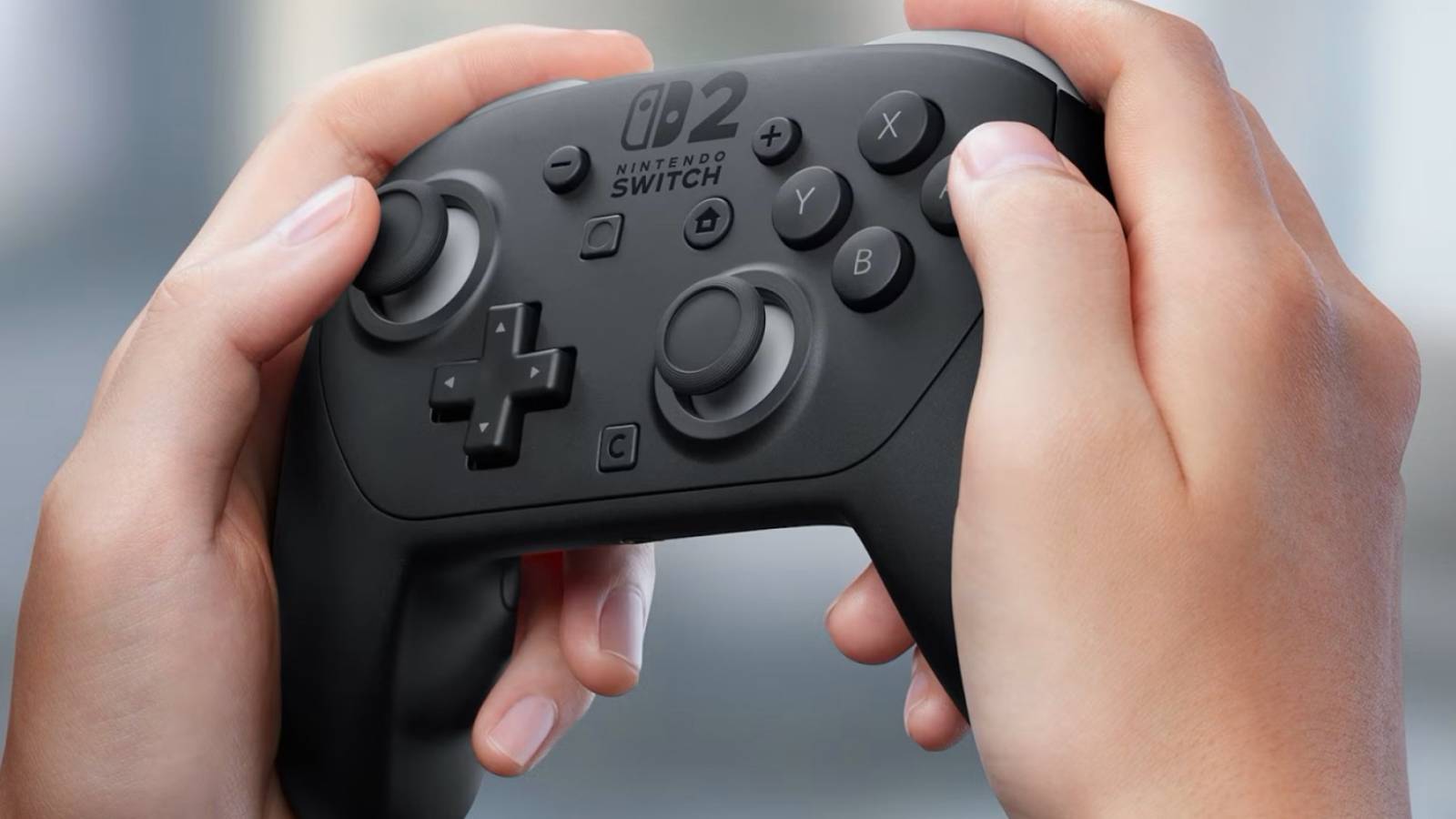
Animal Crossing: New Horizons made a huge impact on the world of cozy gaming back in 2020, and it’s about to make a big resurgence. With the game now available on both the original Switch and the Switch 2 (with an even more upgraded Switch 2 Edition landing January 15), Nintendo’s flagship cozy game is back. Whether you’ve been playing consistently since launch, or want to dive back in and see what your villagers have been up to over the past few years, you may be looking to make your grand entrance on a shiny new Switch 2. Doing so, though, will require you to first move your island to Nintendo’s newest console. Here’s how to do so using the Animal Crossing island transfer tool.

How to transfer your Animal Crossing: New Horizons island to Switch 2

When setting up your Switch 2 for the first time, you can use the onboard system transfer to move most of your save files to your new console, but New Horizons is an exception that requires a special process. For New Horizons, you’ll need the island transfer tool, which is a free download in the Nintendo eShop. You’ll also need the Switch console that your island save data was previously on.

The Island Transfer Tool is required to move your save file to a Switch 2.

To get started transferring your Animal Crossing: New Horizons island, you’ll have to head to the eShop and download the Animal Crossing Island Transfer Tool on your Switch and Switch 2. When the transfer tool has been downloaded on both consoles, you’ll be able to begin.

Note the information below before proceeding:

  • This process moves your save file, not copies it. This means your island will not be available to visit on the original system once the transfer is complete.
  • You will need to download the Happy Home Paradise DLC on the new system to access any content related to this expansion.
  • Airplane Mode must be turned off on both consoles to begin the transfer.
  • The game must be updated to the newest software version on both consoles.

With all of that out of the way, you can begin the transfer process following the steps below:

  • Load the Island Transfer Tool on both systems.
  • Select Continue and Let’s Begin on both systems.
  • Select Source on the source (original) system, then Yes when the name of your island or console is displayed.
  • Select Target on the Switch 2.
  • Select Continue on the source system.
  • Select Proceed on the Switch 2.
  • Select Transfer Data on the source system.
  • Select Proceed on the Switch 2 to begin the transfer.
Follow the instructions to move your save file to a Switch 2.

When the transfer is finished, you’ll find that the save data will no longer be available on the source system, but you will be ready to begin playing New Horizons on your Switch 2. That being said, the save data can be transferred back to the source system and removed from the Switch 2 if you ever have a need to do so.

Animal Crossing: New Horizons is available now on Nintendo Switch and Nintendo Switch 2.
Share. Facebook Twitter Pinterest LinkedIn Tumblr Email

Related News

Zach Cregger’s Resident Evil Movie Script Might Have Leaked

Zach Cregger’s Resident Evil Movie Script Might Have Leaked

7 March 2026
YouTube Channel TheOdd1sOut Lays Off Team With No Warning

YouTube Channel TheOdd1sOut Lays Off Team With No Warning

7 March 2026
Marathon Is Already Fixing Predatory ‘Dark Patter’ MTX Complaints

Marathon Is Already Fixing Predatory ‘Dark Patter’ MTX Complaints

7 March 2026
Heartopia Issues Official Statement and Apology

Heartopia Issues Official Statement and Apology

7 March 2026
Editors Picks
Assassin’s Creed Black Flag Resynced is a Double-Edged Pirate Saber for Ubisoft

Assassin’s Creed Black Flag Resynced is a Double-Edged Pirate Saber for Ubisoft

7 March 2026
Pokemon FireRed and LeafGreen’s Best Shiny Hunting Strategy is Unfotunately Version Exclusive

Pokemon FireRed and LeafGreen’s Best Shiny Hunting Strategy is Unfotunately Version Exclusive

7 March 2026
YouTube Channel TheOdd1sOut Lays Off Team With No Warning

YouTube Channel TheOdd1sOut Lays Off Team With No Warning

7 March 2026
I’m Already Mourning Disney Dreamlight Valley’s DreamSnaps

I’m Already Mourning Disney Dreamlight Valley’s DreamSnaps

7 March 2026
Top Articles
Paul Heyman’s Role in MyRise Explained PC Games

Paul Heyman’s Role in MyRise Explained

By News Room
Roblox: Peroxide Codes (March 2026) Mobile

Roblox: Peroxide Codes (March 2026)

By News Room
Marathon Is Already Fixing Predatory ‘Dark Patter’ MTX Complaints News

Marathon Is Already Fixing Predatory ‘Dark Patter’ MTX Complaints

By News Room
Best in Gaming
Facebook X (Twitter) Instagram Pinterest Vimeo YouTube
  • Privacy Policy
  • Terms of use
  • Advertise
  • Contact Us
© 2026 Best in Gaming. All Rights Reserved.

Type above and press Enter to search. Press Esc to cancel.