




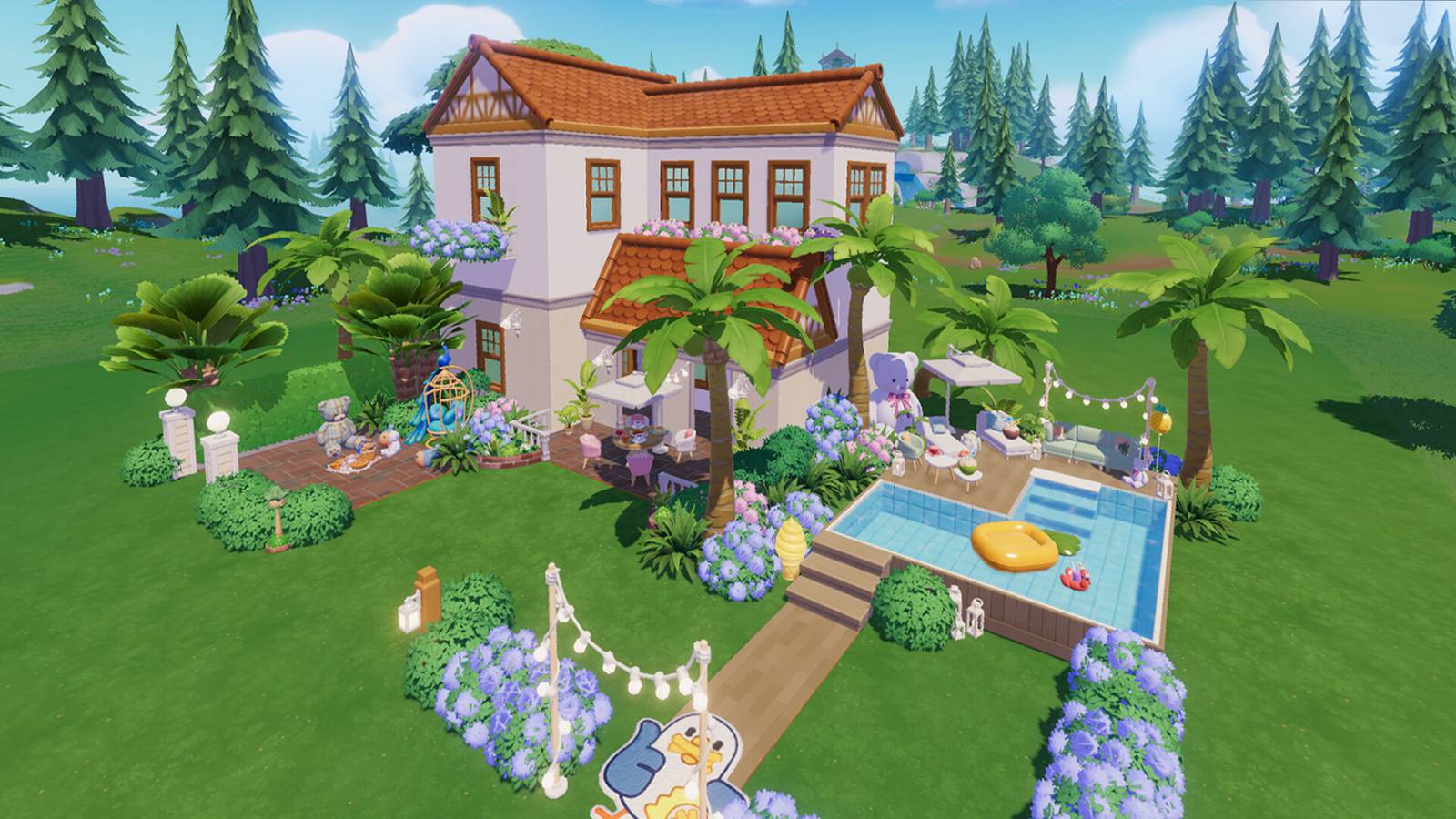
Heartopia fans are becoming frustrated with curtains, as the home decorating functions of the cozy life simulator are baffling players who are just trying to spruce up the windows of their humble abodes. Handily, there is a way to hang curtains in front of windows in Heartopia, but it’s not one that many players would expect, and some are calling for XD to make the process make more sense.
Following its initial launch in China in the summer of 2024, Heartopia launched globally on January 7 for mobile devices, arriving on Steam about a week later. As with many cozy life sims, customizing and decorating of players’ homes is one of Heartopia‘s biggest draws, and the development team at XD Inc. has provided players with a number of useful tools for doing so. These special decoration features include Blueprints, a creative mode that allows players to save their designs in progress and even make a copy of their entire house, allowing for adjustments like color changes and slight alterations to the layout of furniture and other items.
Heartopia Players Are Building Life-Sized Dollhouses, Convenience Stores, and More
Heartopia offers some robust house-building tools for players to get creative with, and these Heartopia players understood the assignment.
How To Properly Hang Curtains in Front of Windows in Heartopia

But some players are struggling with one particular function of the home customization system in Heartopia, as they can’t seem to get curtains to hang on the wall in front of windows. The problem, as detailed by multiple members of the game’s community, including Reddit user Infinite-Mud-1437, is that when players try to place a curtain directly onto a wall over a window, the game will not permit the action, because two different objects cannot intersect the wall in the same location. This game design issue has led to some incorrect assumptions about curtains being virtually useless, as players perceive that they’re pointless if they can’t be combined with windows.
Fortunately, a number of other players have been quick to rush to the rescue and provide a solution to the window decor issue. Rather than attempting to hang curtains directly on the wall where a window is placed, players need to instead attach the top of the curtain to the ceiling in front of the window. The best way to do this while getting curtains to line up as close to windows as possible seems to be enabling the game’s precision mode. This feature allows for more minute and accurate lining up of different objects and ensuring players can achieve the specific look they’re aiming to produce in their homes, letting them spend less time stressing over the fine-tuning of their decorations and get back to their daily routines in Heartopia.
While mounting the curtains on the ceiling is an effective strategy for pulling off house designs, some players aren’t satisfied with the way XD has implemented the feature. The main complaint seems to be that it’s not the way curtains tend to work in the real world, as many players are striving for a greater sense of realism. It’s also reportedly caused problems with hanging curtains over windows in multi-story homes, with some players suggesting they’ve had better success getting the aesthetic design they want by going up to the floor above and dropping the curtain down through the floor. Even with the knowledge that curtains are intended to be ceiling-mounted, some players are skirting the rules of placing decorations in Heartopia by exploiting a glitch that allows different objects to occupy the same space.

Many players also seem disappointed that unlocking curtain options only allows players to hang one of a specific design in their home, as houses tend to have multiple windows, and players are striving to have a matching set of curtains. Players can unlock additional copies of curtains by purchasing them from the Gilded Acorn Exhibition, but doing so requires spending Acorn Tickets, one of Heartopia‘s special currencies. And since there’s currently a limited amount of these tickets that players can pick up through normal gameplay, some are content to just leave most of their windows bare.



- Released
-
January 8, 2026
- Developer(s)
-
XD
- Publisher(s)
-
XD
- Number of Players
-
Single-player
- Steam Deck Compatibility
-
Unknown