



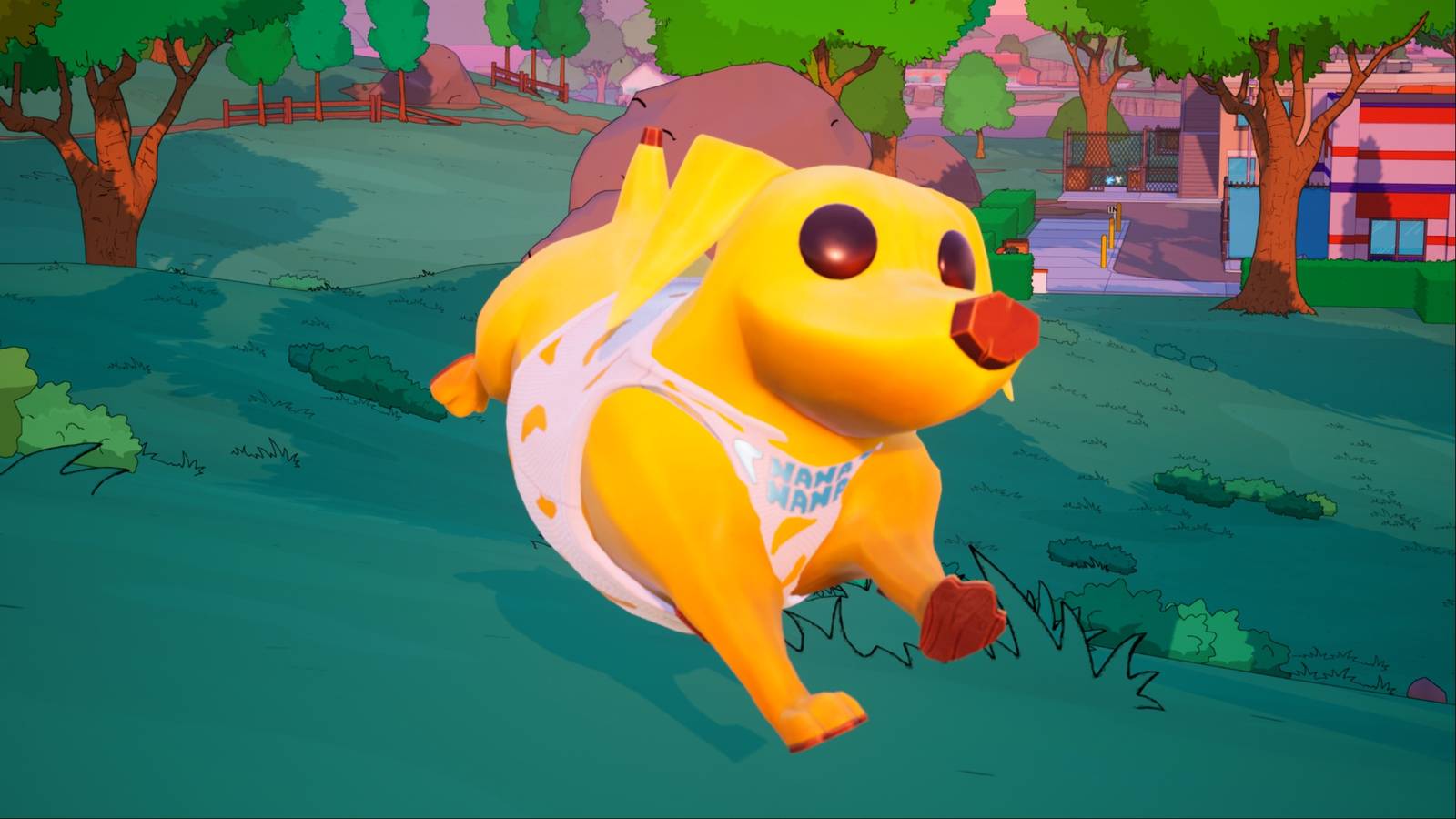
Fortnite introduced sidekicks on November 1, 2025, when The Simpsons mini-season went live. Fans had been expecting the release of these companions for a few months now so they were ecstatic when they finally became available in-game.
When players obtain a sidekick in Fortnite, they have to choose their name and set certain customization options that will be bound to it for good. However, there are additional customizations that they can unlock and modify later on. This guide will tell players how they can get more cosmetic options for their Fortnite sidekicks.
How to Get More Customization Options for Sidekicks in Fortnite
When players get a sidekick in Fortnite, they may receive Sidekick Quests, which will allow them to unlock additional cosmetics and styles for their in-game locker and their sidekicks’ by completing quests.
To find the Sidekick Quests in Fortnite, players must visit the Quests tab and scroll down to the very bottom, where they will spot the Sidekicks section. Here, they will find quests for each of their sidekicks, making it easier to organize and keep track of quests once players get their hands on more companions.
How to Get Sidekick Points in Fortnite
Peels was the first sidekick in Fortnite; it became available as part of The Simpsons Battle Pass, immediately granted to those who bought it. To unlock more customization options for Peels, players have to earn Sidekick Points in Fortnite. This may not be the case for those released in the future, but for now, it is by accumulating Sidekick Points with Peels that players will be able to unlock more customization options for it.
To earn Sidekick Points with a sidekick in Fortnite, players have to bring them along with them to a sidekick-compatible experience and earn XP with their companion beside them. Players can earn Sidekick Points in Battle Royale, LEGO Fortnite, and Fortnite Festival. In Battle Royale, the best way to farm Sidekick Points is to survive Storm Circles, complete Accolades, and get kills.
- Released
-
September 26, 2017
- ESRB
-
T for Teen – Diverse Content: Discretion Advised, In-Game Purchases, Users Interact