






Joshua started at GameRant in 2017 where he fell in love with a company that supports creativity, treats video games with the respect they deserve, and is complete with people whose passions match his. It’s this passion he hopes to communicate in every post, in every conversation about the industry, and so forth. Outside of gaming and GameRant, Joshua spends a lot of time with his lovely wife and children, keeps pulling for Cody Rhodes in WWE, and manages the farm he inherited from his grandfather. If you name a video game, Joshua can rant about it—that’s a guarantee.
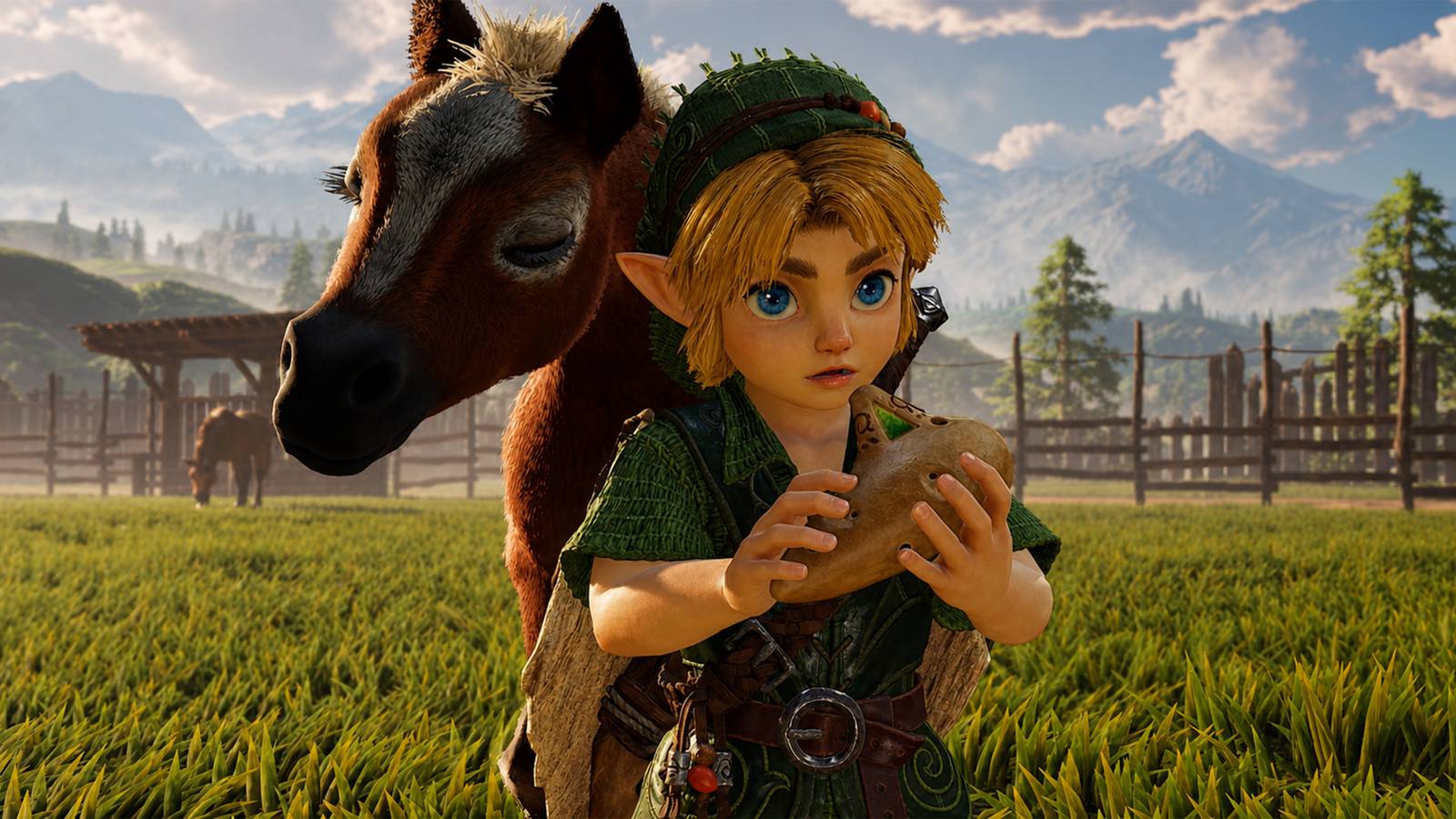
The Legend of Zelda: Ocarina of Time has received another update, with Nintendo addressing a handful of issues that could affect players working their way through the remake. While the latest patch isn’t a particularly substantial one, it does fix a problem tied to one of Zelda: Ocarina of Time‘s most iconic events.
Zelda: Ocarina of Time has plenty of smaller events and interactions scattered throughout the world of Hyrule, giving players reasons to explore beyond the main story. Some of these moments are easy to overlook, but others are tied to specific characters and progression markers. When something goes wrong with one of those events, it can leave players unsure whether they missed a step or encountered an actual bug, which is particularly frustrating in a game where certain objectives can require a bit of backtracking and experimentation.
Zelda: Ocarina of Time 1.1.2 Update Patch Notes
-
Fixed an issue where the event “Malon’s Friend” could not be progressed.
- Even if you have already encountered this issue, downloading the update data will allow you to proceed with the event.
- Fixed several issues to ensure a smoother gameplay experience.
Nintendo released Version 1.1.2 for The Legend of Zelda: Ocarina of Time on November 25, with the update primarily focused on bug fixes. Most notably, the patch fixes an issue that prevented players from progressing through the “Malon’s Friend” event (the sequence involving unlocking Epona in Ocarina of Time). Nintendo also confirmed that players who had already encountered the problem can download the update data and continue the event, meaning affected save files should not be permanently stuck. The patch notes additionally mention several other fixes intended to provide a smoother gameplay experience, although Nintendo hasn’t specified exactly what those changes address.
Players who were previously unable to finish Malon’s Friend should install Version 1.1.2 and try the event again. If players decide to do something else, then it’s worth mentioning how this can take place in almost any part of an Ocarina of Time playthrough, and so returning is viable at practically any stage.
How to Download Version 1.1.2 Update for Ocarina of Time
- Connect your Nintendo Switch 2 console to the internet.
- From the Home menu, hover over the Zelda: Ocarina of Time software. Do not launch the game.
- Press the + Button or – Button on your controller.
- Select Software Update.
- Select Over the Internet.
There isn’t much else to the November update, but that’s not necessarily a bad thing. Ocarina of Time‘s latest patch is a relatively small maintenance release, and fixing an event is a more meaningful improvement than a longer list of minor adjustments. Players who haven’t encountered the issue may not notice much difference after updating, but anyone who has been stuck on Malon’s Friend should finally be able to continue their save.

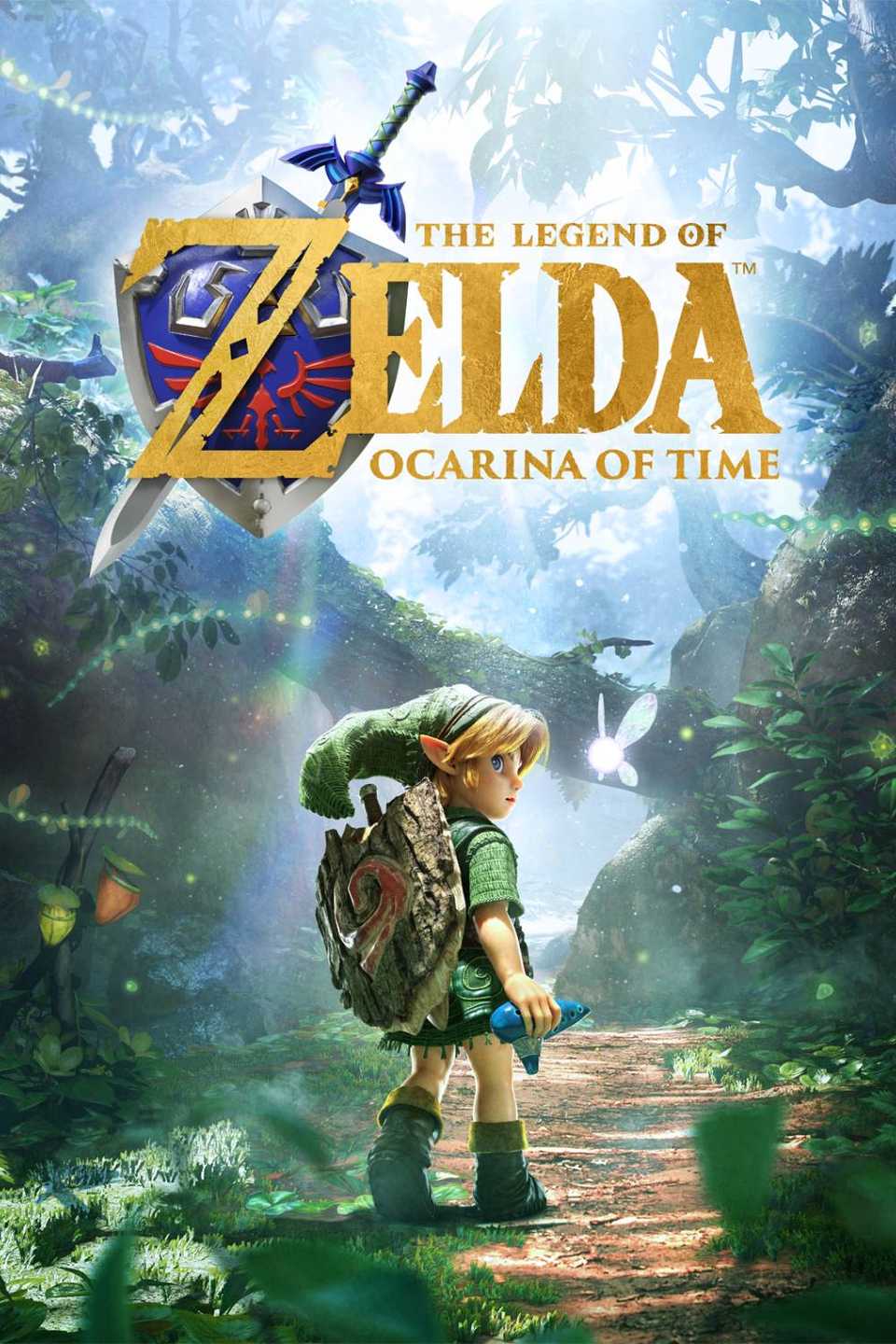


- Released
-
November 5, 2026
- ESRB
-
Everyone 10+ / Animated Blood, Fantasy Violence
- Developer(s)
-
Nintendo
- Publisher(s)
-
Nintendo