


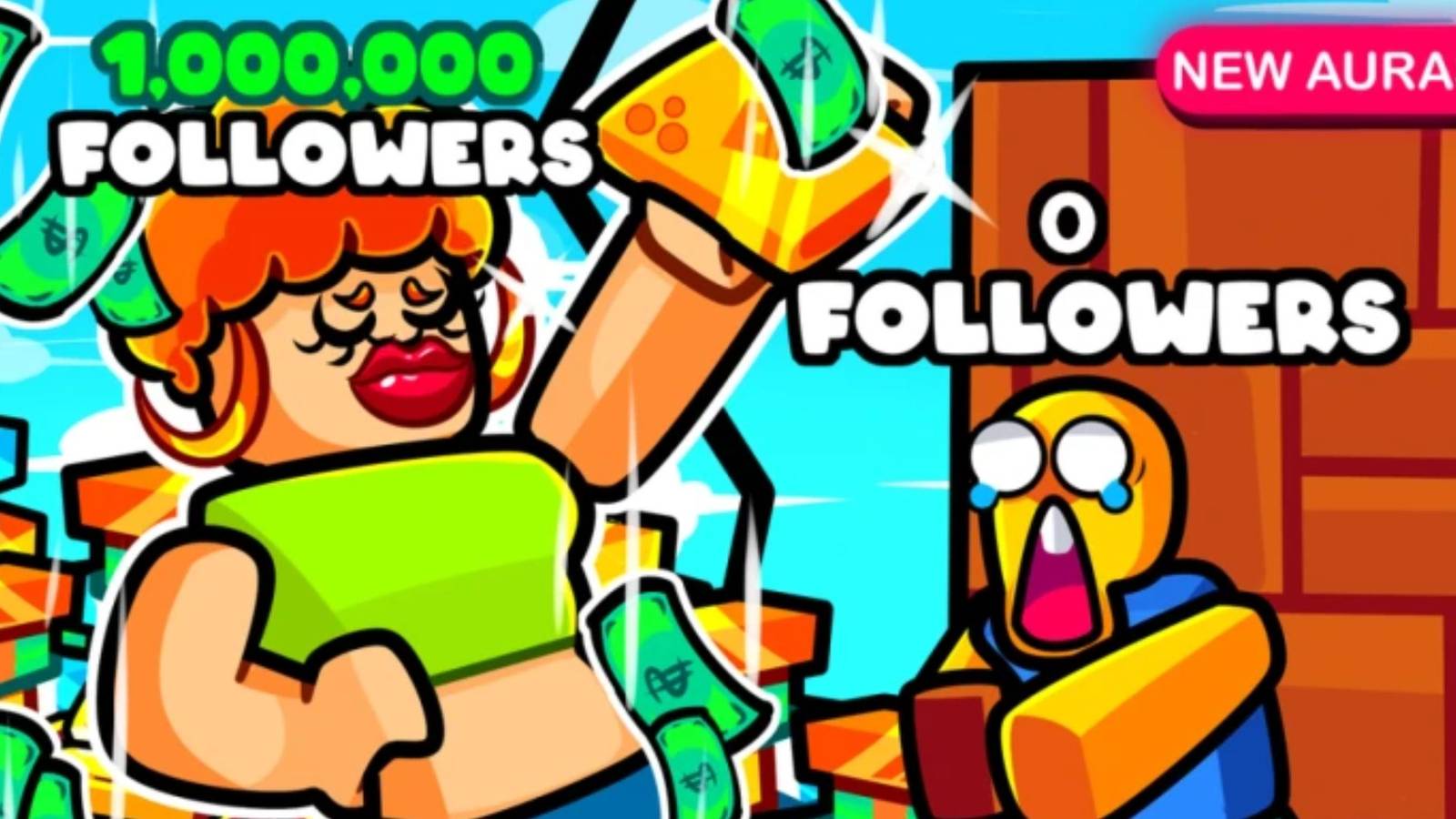
Get Famous is a great Roblox time-killer with an interesting concept and simple gameplay and mechanics that will drag you into hours of play. Here, you will need to become a popular YouTuber, posting various videos and earning money, views, and subscriptions.
From the very beginning of the game, your capital will be zero, so you won’t be able to improve your character immediately. Fortunately, you can redeem Get Famous codes that offer a bunch of useful rewards that will come in handy to quickly earn a decent amount of money to invest in your business.
Updated February 4, 2026, by Artur Novichenko: There are a couple of rewards currently available in Get Famous, offering short Cash and Views boosts. These bonuses can help you progress faster and increase your earnings for a limited time. The rewards are easy to claim and ready to use right away. This guide is updated regularly, so checking back later could bring more rewards.
Roblox: Sandwich Tycoon Codes (March 2025)
In this guide, Roblox fans will find all of the latest codes for Sandwich Tycoon and step-by-step instructions on how to redeem them.
All Get Famous Codes

Working Get Famous Codes
- SPEED – Redeem this code to get 15 Minute of Cash Boost.
- CONSOLE – Redeem this code to get 10 Minute Views Boost.
Expired Get Famous Codes
- 100k – Redeem this code to get 15 Minute Views Boost.
- RELEASE – Redeem this code to get 15 Minute of Cash Boost.
Get Famous does not offer newcomers anything else but to start working and earning their first money, which is, frankly, a rather boring, monotonous process. By redeeming codes, you can speed it up and earn your first capital much faster, which will contribute to your further development as well, so don’t neglect it.

Roblox: DragBrasil Codes (March 2025)
All active DragBrasil codes are listed in this article to help Roblox players get free rewards. Here’s how to use them in-game.
How to Redeem Codes for Get Famous

So, now that you know what rewards await you, it’s time to learn how to get them. As with most other Roblox games, it will take you a few clicks, but if you don’t know how to redeem Get Famous codes, here is a detailed guide:
- Launch Get Famous.
- Pay attention to the left side of the screen. There will be several buttons arranged in a column. Among them, interact with the second one, yellow in color with a cart on the icon.
- This will open an in-game store. Here, scroll to the very end of the menu to find the redemption section.
- The redemption section will contain an input field and a black Claim button below it. When you find it, enter one of the codes mentioned above in the input field.
- Lastly, click on the black Claim button to submit your reward request.
If everything is done correctly, you will see a notification on the screen with a list of rewards you have received.
How to Get More Get Famous Codes

The developers of Get Famous regularly share new Roblox codes on the game’s official social media channels. Usually, you can find several new codes here, along with other announcements, so be careful not to miss anything.

Roblox
- Released
-
September 1, 2006