






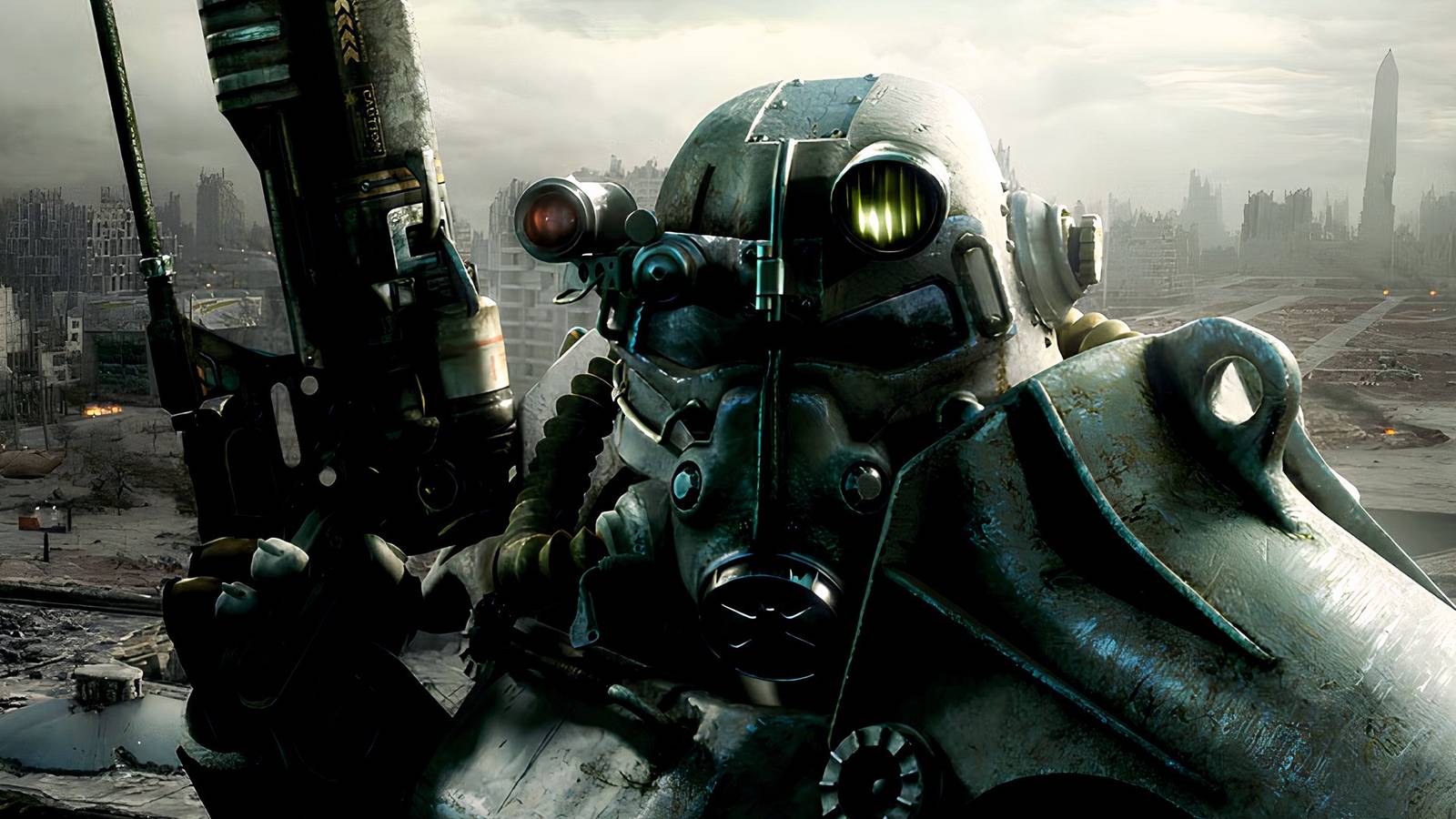
Well, Bethesda has announced that Fallout 3 and Fallout: New Vegas are receiving remasters. That is, ultimately, good news, as both games are masterpieces in their own right. However, these projects need to include much more than just the minimum requirements for a remaster. A visual upgrade is far from enough, and Fallout 3 needs serious quality-of-life adjustments.
Consoles are a different story, but these games have absurdly robust PC modding scenes filled with passionate fans who have long-since fixed any issues and remade the vanilla releases. “Tale of Two Wastelands” combines both Fallout 3 and New Vegas, essentially acting as a remaster for both, and “Fallout 3 Wanderers Edition” gives the gameplay a fantastic overhaul.
Bethesda needs to bring its A-game.
I’m not going to cover everything, as that would take all day. Let’s just list a couple of the most must-include QOL improvements. There are mods that address basically everything, so I’ll include an example for each QOL request.
Iron Sights Aiming
Remove Whatever Fallout 3 Originally Did For Both Third and First-Person Shooting
Fallout 3 is, first and foremost, an RPG, but that doesn’t mean the shooting mechanics need to be clunky, unsatisfying, and frustrating. The original game relies heavily on V.A.T.S. to make the gunplay remotely manageable, to the point that real-time shooting almost feels discouraged. That perspective is mainly inspired by Fallout 3‘s aiming system, which is incredibly awkward in both third- and first-person.
Rather than an iron sight, a mechanic already established by 2008, Fallout 3‘s aim zooms the field of view forward while keeping the weapon model tucked away at the bottom-right of the screen. You are basically still shooting from the hip, and there is no actual mechanical alignment with the weapon’s physical sights. It makes the gunplay feel oddly disconnected.
This change is almost too obvious, but Bethesda simply needs to add a traditional iron sight. Fallout 4 and Starfield both included this mechanic, so clearly the developer realized the Fallout 3 method didn’t really work.
A Sprint Button… Please, a Sprint Button
Let Us Run Around The Wasteland
Here we have another simple QOL adjustment so basic that it feels silly to even mention: a sprint button. I know that rushing to get anywhere seems pointless in a post-apocalyptic hellscape like the Capital Wasteland, but the Lone Wanderer should be able to muster up the strength to move a bit quicker than just a casual jog when they are being chased by a Super Mutant Behemoth.
The lack of a sprint option makes traversal feel a bit more tedious than it really needs to be, especially since Fallout 3 isn’t exactly filled with beautiful vistas that really demand you to slow down. Bethesda fixed this issue with Fallout 4, allowing the Sole Survivor to run laps around the Lone Wanderer.
Remove This Pace Killer
Every Fallout game prioritizes scavenging; in fact, we could argue that collecting resources and trash is the core gameplay loop. Consequently, this process needs to be as smooth and seamless as possible, something that is certainly the case in Fallout 4 and Fallout 76… but not Fallout 3.
Whenever you want to check what’s inside a mailbox or on a dead Raider, Fallout 3 stops the game flat and unleashes a full-screen UI menu with the inventory list, completely killing any momentum. As previously mentioned, Fallout is all about looting corpses and garbage cans, so you do this constantly during a playthrough. Honestly, I’d say a mod that adds a Loot Menu is compulsory for a Fallout 3 run in 2026, so it cannot be left out of a remaster.
Fallout 3 Needs Better Companion Management
Just Add New Vegas’s Companion Wheel
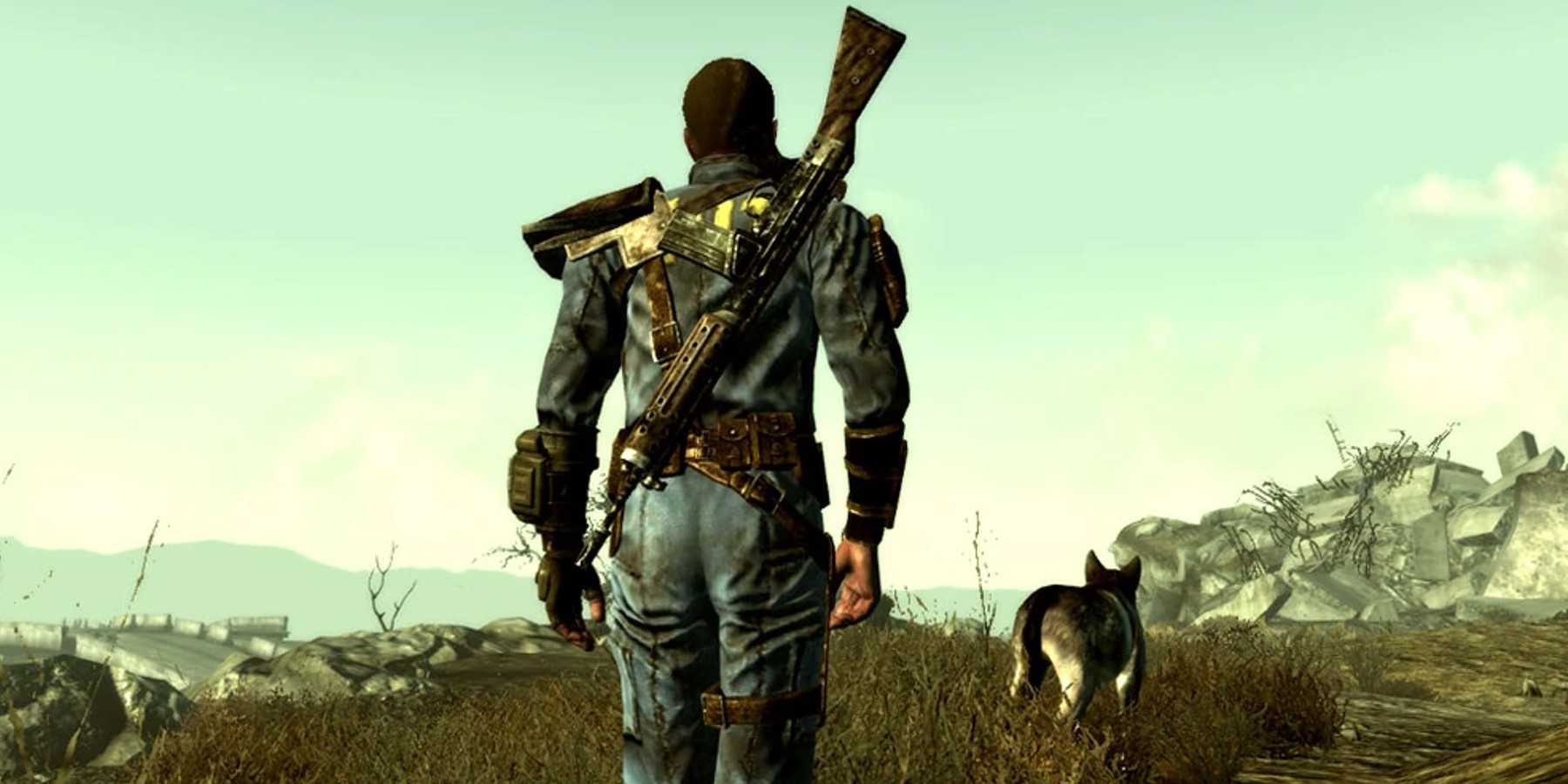
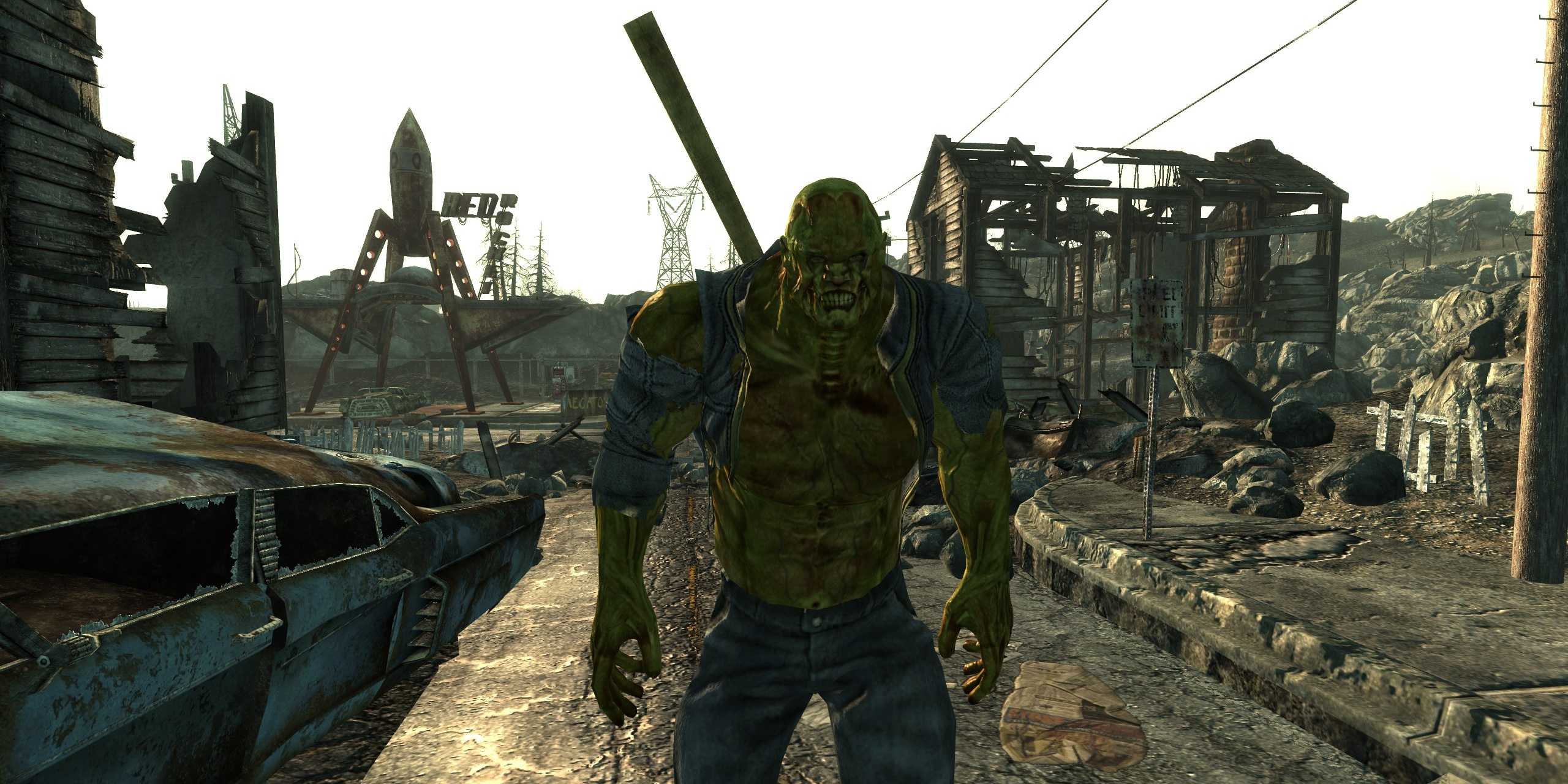
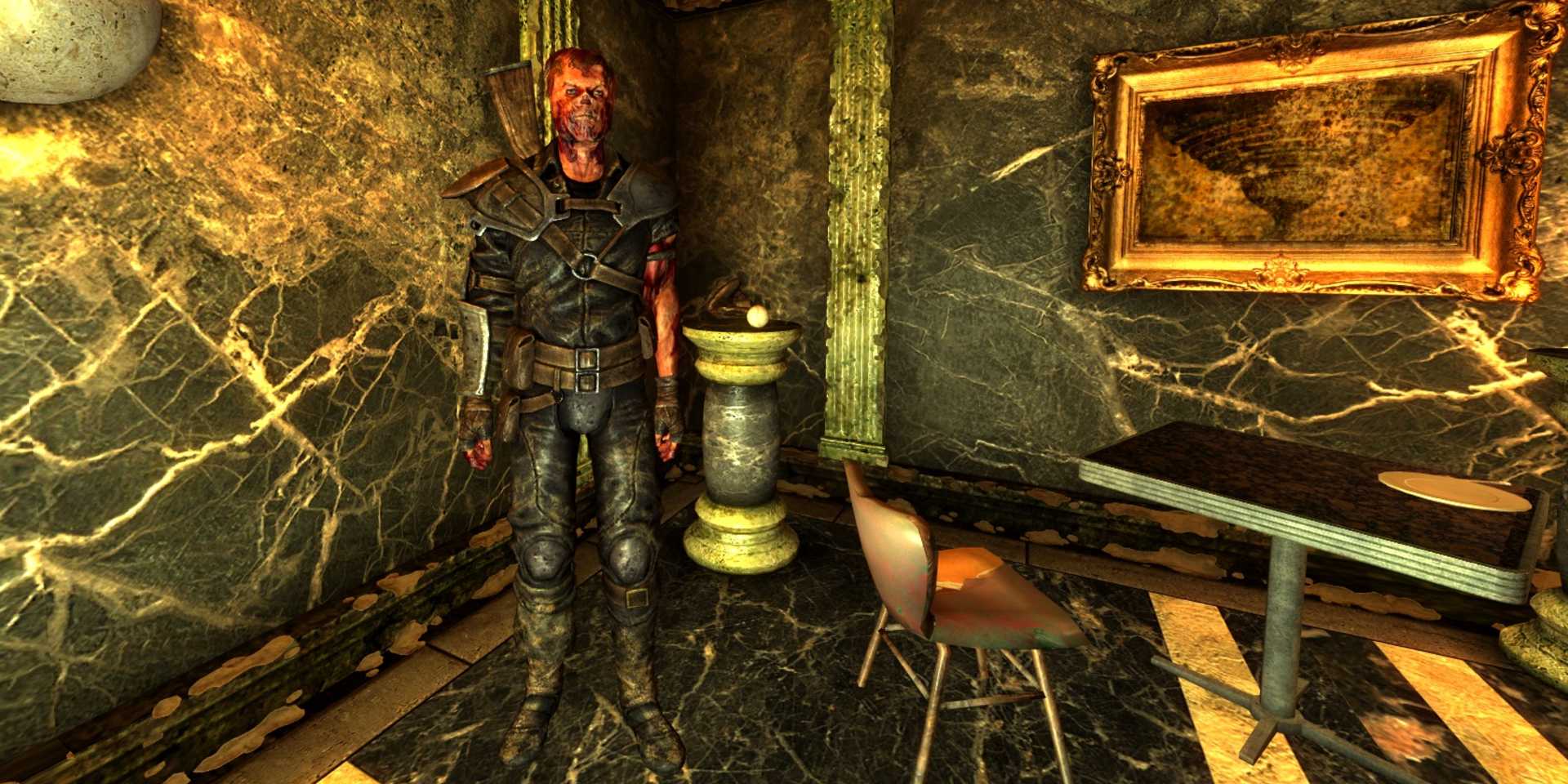
Fallout 3 nails its followers for the most part, with the likes of Fawkes and Dogmeat being all-around iconic. However, the game makes interacting and managing your companions more cumbersome than it needs to be. You need to interact physically with them and then work through a dialogue tree, just to eventually give them a new weapon or open their inventory.
Obsidian solved this problem by introducing a Companion Wheel that comes up whenever you interact with a follower, making it very easy to perform any changes that you might want. Fallout 4‘s companion commands further streamlined the process of ordering NPCs around, although I personally prefer New Vegas‘s wheel over F4’s directional dialogue menu.
A Weapon Wheel Will Greatly Improve Combat
It’s Fine To Copy Another Game’s Playbook If The Plan Simply Works
A reflection of its RPG-first mentality, Fallout 3 makes swapping weapons cumbersome, relying on a static hotkey system (D-Pad on consoles and number keys on PC). It gets the job done, but it also requires you to remember exactly which button holds each weapon, which isn’t the easiest to do in the middle of a gunfight. Alternatively, you can freeze the action and pull up the Pip-Boy.
A weapon wheel would simplify everything, and it is standard practice nowadays (and has been that way for well over a decade). Holding a single button to bring up a visual wheel of your arsenal allows for lightning-fast tactical adjustments without shattering the pacing of a firefight.