



Sony has begun rolling out a new PlayStation 5 system update on March 16. The latest release introduces some headline features to the console’s pro variant, while also bringing a smaller Welcome Hub addition to the standard PS5.
The new update is primarily centered on Sony’s upgraded PlayStation Spectral Super Resolution, or PSSR, whose latest version was previewed in late February 2026. Sony said the new and improved PSSR was tied to its Project Amethyst work with AMD and would arrive through a subsequent patch, which materialized on March 16 at 10 p.m. PT / March 17 at 1 a.m. ET / 6 a.m. CET.
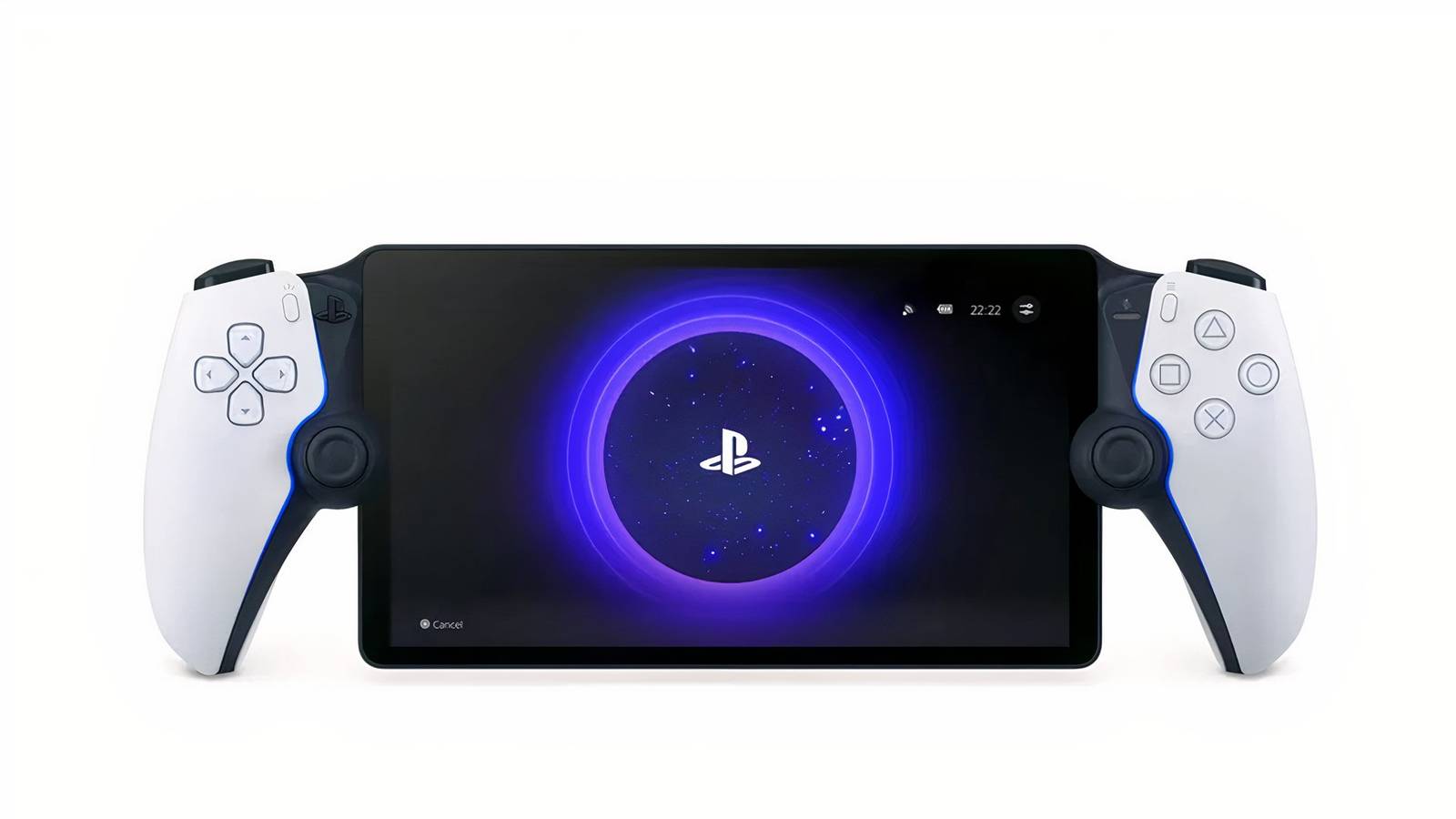
PlayStation Portal March 2026 Update Adds Big New Features
Sony releases a big new update for the PlayStation Portal remote player device, adding new features and even more quality of life improvements.
PS5 Welcome Hub Gets Showcase Mode
In a subsequent tweet, Sony revealed that the mid-month update introduces one other addition in the form of the Showcase Mode. The feature works as an optional functionality of the PS5 Welcome Hub, allowing users to have their consoles display full-screen backgrounds after remaining idle for a set period of time. For added customization, Showcase Mode also includes a Slideshow Mode that rotates through multiple images instead of showing a single background once the console has been idle long enough.

Rearrange the covers into the correct US release order.
Rearrange the covers into the correct US release order.
Easy (5)Medium (7)Hard (10)
Social media reactions to the Showcase Mode appear to be mixed. Strictly looking at the responses to Sony’s original tweet, some users welcomed the addition, while others used it as an opportunity to bemoan the lack of more granular customization options. Specifically, the tweet sparked a wave of comments calling for the return of full-fledged themes. Sony added limited-time PS5 UI customizations around PlayStation’s 30th anniversary in December 2024, but later removed them and never followed that up with the kind of comprehensive themes that were available on PS4. That is in spite of the fact that PS5 owners even started a petition to preserve the classic themes, which amassed thousands of signatures.

The Showcase Mode from the new PS5 update can be enabled from the Welcome Hub settings screen. The feature spent a short time in beta ahead of its global release, with Sony first rolling it out to testers around March 12. The included Slideshow Mode operates on an album basis, allowing users to pick and choose which exact backgrounds from their Media Gallery to include in their rotations. The exact time needed for the console to enter Showcase Mode is also fully customizable.
March 2026 PS5 Update Brings New Emoji

Another novelty arriving as part of the mid-March patch is support for the Unicode 17.0 emoji set. Compared to the 16.0 lineup, the PS5 can now display seven additional emoji code points: Distorted Face, Fight Cloud, Hairy Creature, Orca, Landslide, Trombone, and Treasure Chest. That is in addition to 156 additional emoji sequences such as new combinations for ballet dancers, people wearing bunny ears, and people wrestling. Unicode 17.0 emoji can now be used in PS5 messages. The changelog accompanying the March 2026 PS5 patch also mentions improvements to the general usability and messages of select menu screens. As usual, it also references performance and stability enhancements. The patch notes do not provide further details on either category of changes.
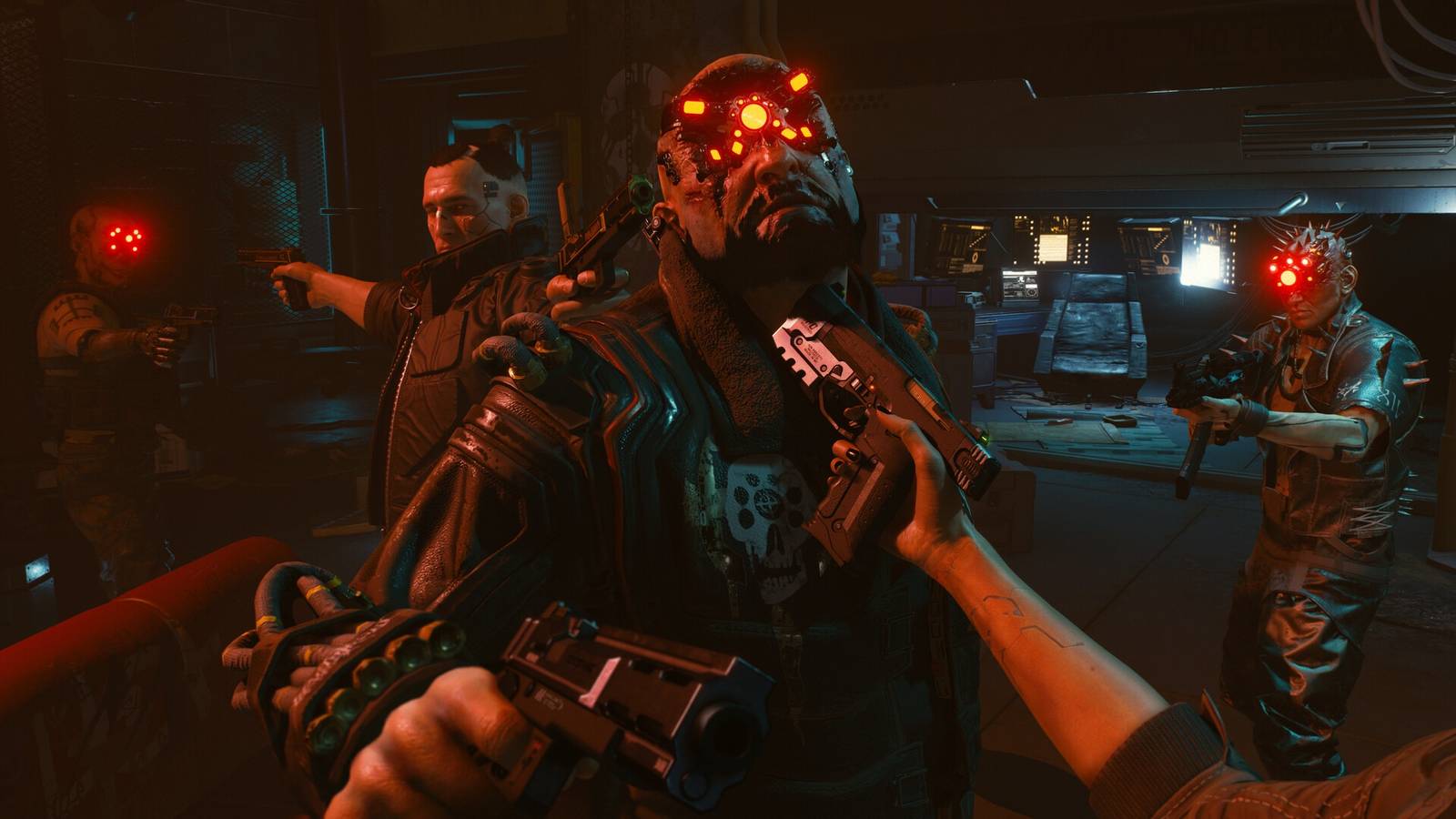
Regarding the newly added PlayStation Spectral Super Resolution update, the enhanced PSSR model can be enabled in supported games by going to Settings, then “Screen and Video,” then “Video Output,” and turning on the “Enhance PSSR Image Quality” toggle. The feature is not yet available in all titles, though Sony plans to expand support over time. For now, the list of supported games includes Cyberpunk 2077, Silent Hill f, Monster Hunter Wilds, and Final Fantasy 7 Rebirth, among several others.
PlayStation Firmware Update Version 26.02-13.00.00 Patch Notes
-
We’ve enhanced PSSR (PlayStation Spectral Super Resolution) on PS5 Pro. Enjoy sharper and clearer visuals in supported games.
- To turn on the enhanced PSSR model for your PSSR compatible games that aren’t using the enhanced model, go to Settings > Screen and Video > Video Output > Enhance PSSR Image Quality.
- This feature is available only on PS5 Pro.
- Unicode 17.0 emojis are now supported. You can use them in your messages.
-
New features are now available for your Welcome hub.
- You can now use Showcase Mode to display a full view of your Welcome hub background when your PS5 console is idle. When turned on, your Welcome hub automatically enters Showcase mode when idle.
-
Slideshow mode allows you to set an album as your background and rotate between images.
- You can turn on Showcase mode and Slideshow mode in your Welcome hub settings. You can also set the idle time to enter Showcase mode according to your preference.
- You can now set your Welcome hub background from within your Media Gallery.
- A new background is available for your Welcome hub.
- We’ve improved the messages and usability on some screens.
- We’ve improved system software performance and stability.