
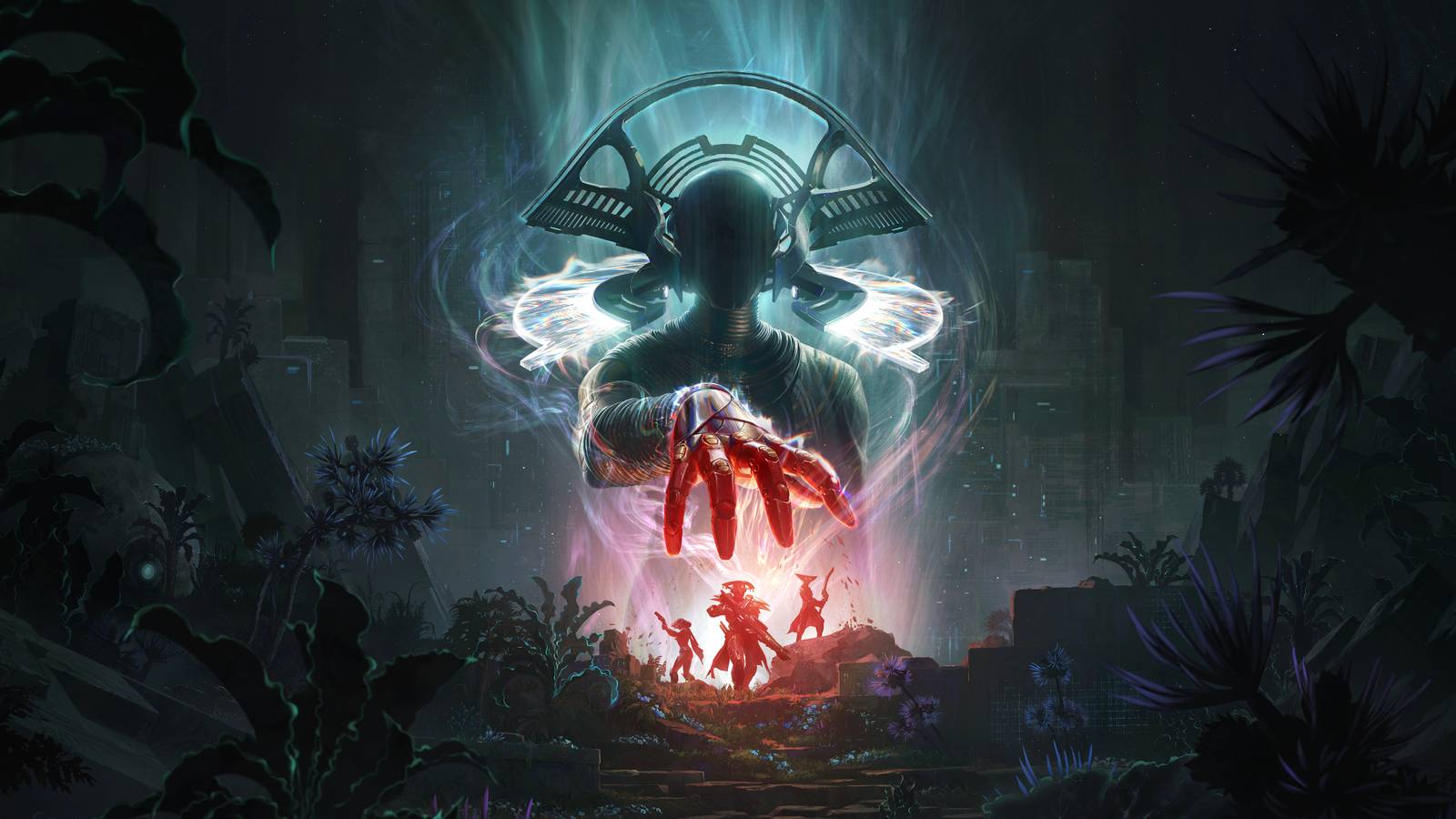




Crimson Desert is a very big game, and I don’t just mean its maps are huge, though it does indeed feature a massive open world to explore. Crimson Desert is also a mechanically complicated game filled with lots of tiny details and features that aren’t always properly explained or communicated to the player. This can make the opening hours of the game very annoying.
So here are some spoiler-free tips to help you in your first few hours with Crimson Desert. And if any Crimson Desert experts have more to share, please leave them below in the comments. This is a big game, and it’s going to take a lot of people to fully figure it out.
Don’t spam the attack button, hold it
It might feel natural to tap the basic attack button (R1 on PS5) each time you want to swing your sword. But a much more efficient way to fight is to just hold R1 and let your main character continually attack your target. This is especially useful against low-level bandits and thugs who don’t have much HP and don’t need fancy moves or counters to take out.
Don’t spam sprint, tap and hold
Another button you don’t need to mash endlessly is the sprint button. If you tap X (on PS5) once and hold it, you’ll do a bit of a fast walk. Tap it twice and hold, and you’ll sprint. You can mash it and go even faster, but that’s usually not necessary.
Enhance your gear ASAP
Find a blacksmith and talk to them as soon as you start earning resources like iron and cloth, as you can use those types of items to enhance your gear and weapons. And you will want to do that, as it won’t take long before you start running into bosses and big enemies that will make short work of you if your gear isn’t improved a bit by a blacksmith.
Visit every shopkeeper to increase your inventory space
There are a lot of merchants to be found and interacted with in Crimson Desert. Some, like those dedicated to selling fishing gear, might not seem worth your time. But trust me, you want to chat with all of these shopkeepers at least once because most of them sell a cheap bag that will expand your inventory space by one slot. Doesn’t seem like much, but in the early hours of the game, you can easily increase your inventory by a dozen slots at least if you visit every shopkeeper you encounter.
Complete challenges to unlock sealed artifacts
As you explore Crimson Desert, you’ll stumble upon and collect “Sealed Artifacts.” To unseal these artifacts and extract the Abyss Core” aka skill point locked inside, you’ll need to complete a challenge. You can see all of the challenges for all the Sealed Artifacts you currently hold by pausing the game, hopping over to the journal section, and digging into the subsection titled challenges.
Level up stamina
Once you’ve unlocked some Sealed Artifacts and earned some Abyss Cores, use them to level up your Stamina, the blue section of the skill tree. This will help you glide further and climb higher, which is very useful for exploration in the early hours. Higher stamina will also let you sprint longer and will help you pull off skill moves you unlock later.
Hold the looting button to pick up everything around
Picking up items can be a pain in the ass in this game, especially smaller stuff like coins and food items. If you want to grab a few things, just hold the button to loot items and you’ll grab each one quickly without having to aim for the next one. Handy!

Use your magic sword to find fast-travel points
If you hold L1 + R1 (on PS5), you can use your Blinding Flash ability, which can then be used to search around the world for glints of light. These sparkling points represent fast-travel locations you can unlock, Abyss Cores that can be picked up, or Sealed Artifacts waiting to be collected. Try to make a habit of pulling out your sword and shining some light around to find some useful points of interest nearby whenever you reach a tall point.
Oh, and you can start fires with it, too
Your magic sword ability isn’t just useful for finding fast-travel spots. You can use the light it creates to light fires in the world, burn enemies, or even cook food.
Kill animals and cook food so you can heal later
Speaking of cooking, in the early hours of Crimson Desert, you’re gonna want to stock up on lots of cooked meat to use later as healing items during harder fights and boss encounters. Whenever you see groups of animals, forget your bow, and instead just chase them down and use your powerful special attack (R1 + R2 on PS5) to take out multiple deer and goats in seconds. Then loot all the meat and find a pot over a fire to cook up some tasty meals.
To eat these warm meals, hold right on the D-pad and assign a food item. Then just tap right to eat it. If you run out of that item, it will be replaced by another food you have until you completely run out of edible treats.
Ring the big bell found in some major towns to de-fog that area of the map
In many of the bigger cities and towns in Crimson Desert, you can discover big bell towers. If you climb these and ring the bell, the region around the city will have its fog of war removed, similar to how climbing towers in Assassin’s Creed reveals sections of the map.
That yellow bar on the left of your mini-map is useful
While killing enemies, you might sometimes notice that you have randomly received an Abyss Core. This is tied to the yellow bar on the left side of the mini-map. When this fills up, you earn a core, letting you unlock a new node or upgrade an ability on the skill tree.