




Tom Bowen is a senior editor who loves adventure games and RPGs. He’s been playing video games for several decades now and writing about them professionally since 2020. Although he dabbles in news and features from time to time, he spends most of his time writing guides these days.
NVIDIA kicked off GTC 2026 with the announcement of DLSS 5, a next-generation upscaling technology designed to “bridge the divide between rendering and reality” through the use of generative AI. CEO Jensen Huang called it the “GPT moment for graphics,” but not everybody saw that as a good thing. Within hours, gamers everywhere were making fun of some of the faces shown off in the Resident Evil Requiem tech demo, while others mocked the fact that dual RTX 5090s were required just to run it.

A Complete Guide to the PlayStation 5
Given the sheer size of the console’s library and its ever-expanding nature, finding the best PlayStation 5 games can be a real challenge these days.
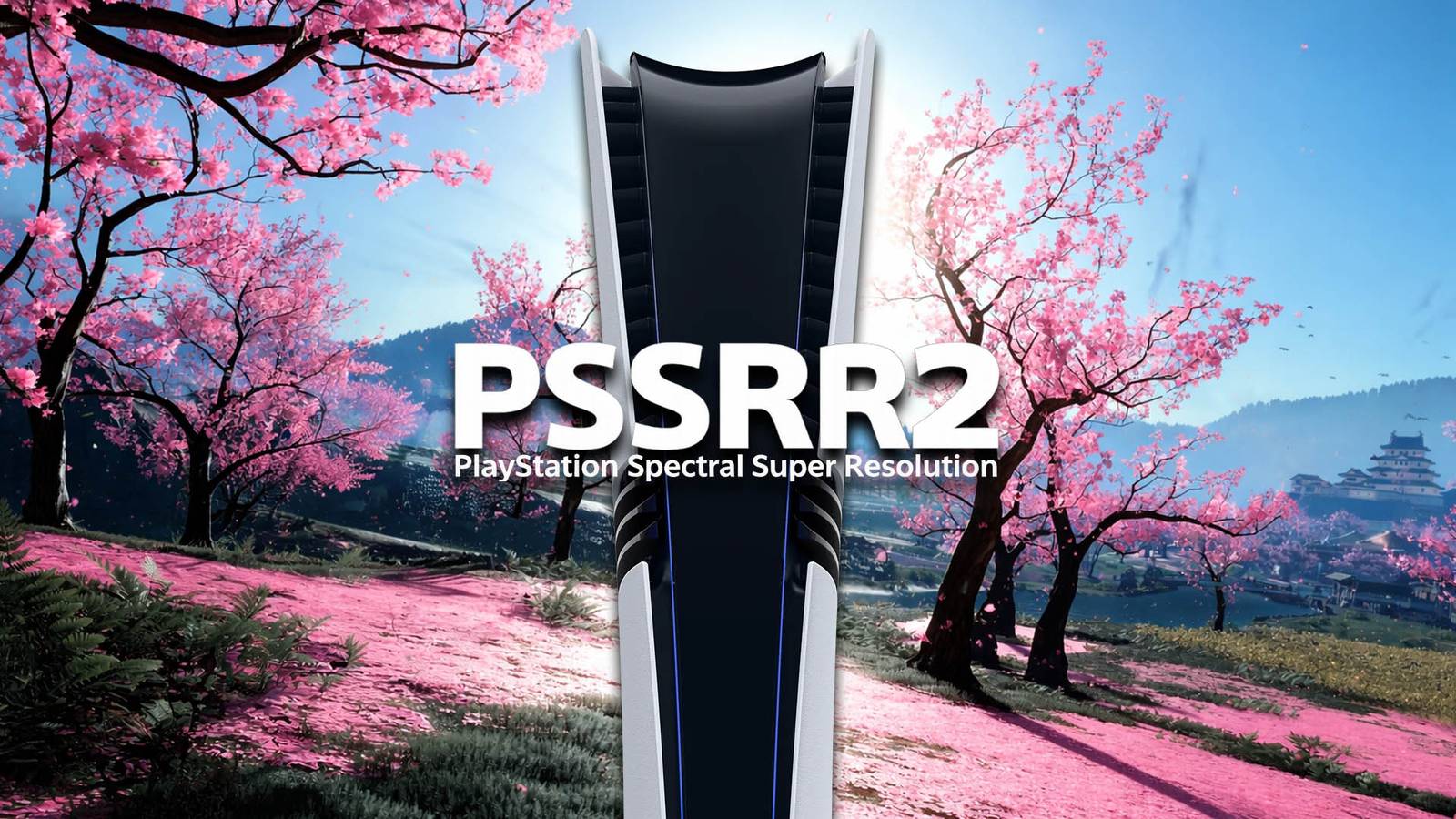
While the rest of the gaming world was busy arguing about artistic integrity, Sony quietly dropped an image enhancement solution worth getting excited about. The PSSR 2 update began rolling out for the PS5 Pro that very same evening, significantly reducing the shimmering and ghosting that had haunted the hardware since launch. Unlike DLSS 5, it isn’t a flashy, generative overhaul poised to change the face of gaming, but rather a rock-solid stability pass that finally delivers the clarity that Sony promised us all pre-launch. Here’s how you can enable it.
How to Enable PSSR 2 on PS5 Pro

The best thing about the PSSR 2 update is that it doesn’t require a patch for every individual game. Instead, it uses a system-level toggle that applies the improved model across your entire game library. PSSR 2 is disabled by default, though, so you’ll need to turn it on before you can benefit from the many improvements that it brings.
Before enabling PSSR 2, you’ll need to make sure that you’re running system software version 26.02-13.00.00 or later. Assuming you are, head over to the Settings menu and choose the Screen and Video option. From there, you’ll just need to scroll down through the Video Output menu and then change “Enhance PSSR Image Quality” from off to on.
Step-by-Step: Enabling PSSR 2
- Update Your Console – Before PSSR 2 can be enabled, you’ll need to be running system software version 26.02-13.00.00 or later. Go to Settings > System > System Software > System Software Update and Settings to check for the latest update, if you haven’t already installed it.
- Open Screen and Video Settings – From the PlayStation 5 home screen, select the Settings gear icon in the top-right-hand corner, then scroll down and select Screen and Video.
- Navigate to Video Output – Make sure that Video Output is highlighted in the left sidebar, then scroll down through the list of technical settings until you reach an option labeled “Enhance PSSR Image Quality”.
- Toggle “Enhance PSSR Image Quality” – Highlight Enhance PSSR Image Quality and switch the toggle to On to enable PSSR 2.
PSSR 2 Improves Image Clarity, Reduces Ghosting, and Stabilizes Edges
While DLSS 5 aims to generate new details, PSSR 2 focuses on cleaning up the ones that are already there. You’ll notice two immediate improvements after enabling PSSR 2 on your PS5 Pro.
- Stable Edges – Thin objects like power lines or foliage no longer crawl or shimmer when you move the camera.
- Ghosting Fix – Fast-moving objects like vehicles and projectiles no longer leave blurry trails behind them.
It’s worth noting that not every PlayStation 5 game has been tested using the new technology, so it’s possible that there may be issues when playing some older games. If ever you run into any problems, you can disable PSSR 2 again at any time by switching Enhance PSSR Image Quality off again, although you’ll need to restart the game that you’re playing for the change to take effect.

- Brand
-
Sony PlayStation
- Original Release Date
-
November 7, 2024
- Original MSRP (USD)
-
$749.99
- Processor
-
AMD Ryzen Zen 2 (8 cores, 16 threads, 3.5GHz)