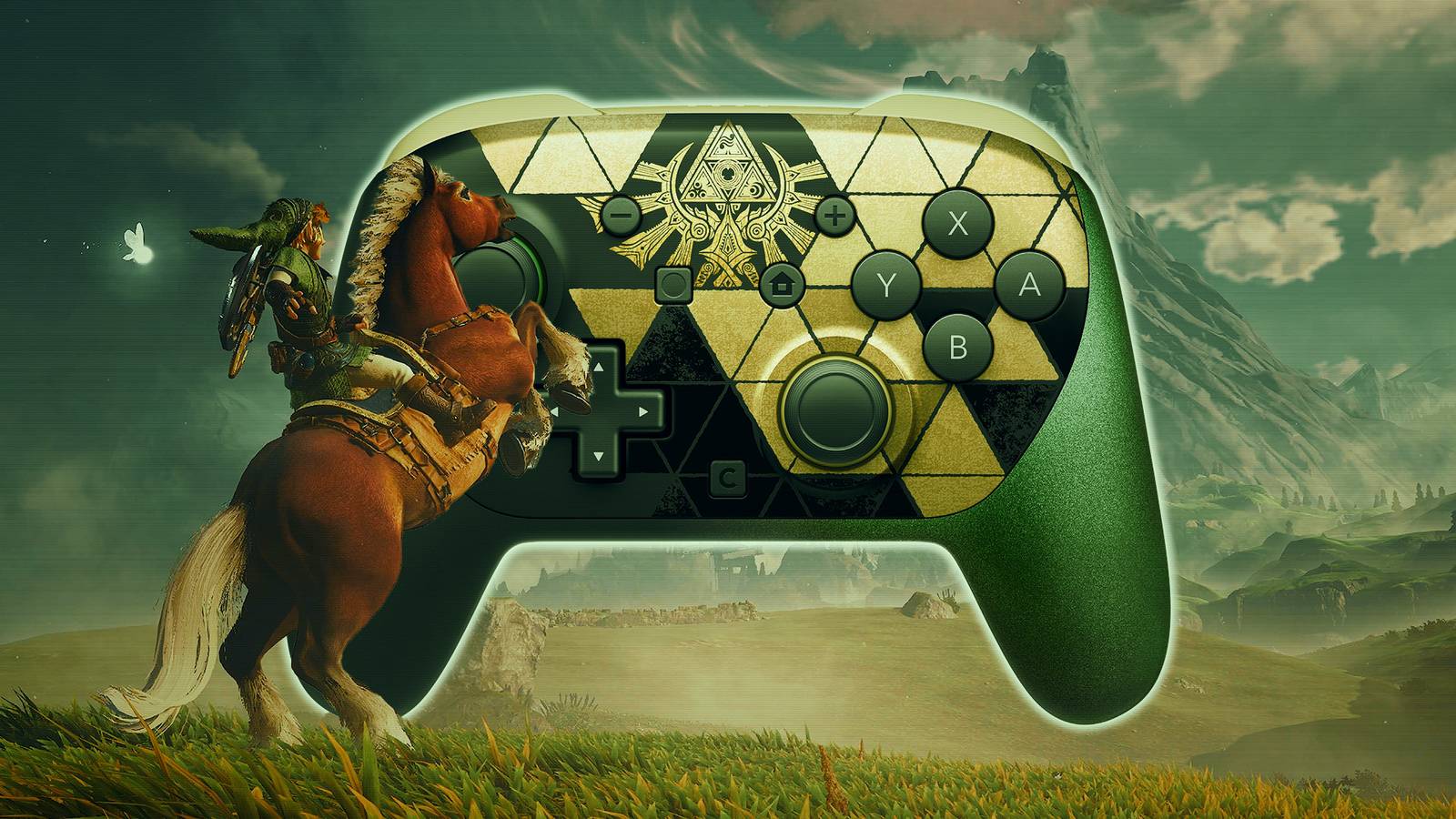


The Switch 2 Pro Controller is a potential game-changer for The Legend of Zelda: Ocarina of Time remake, offering several practical advantages over standard gamepads, including the first-party Joy-Cons. Most of those benefits stem from the Ocarina of Time remake’s expanded control scheme, which introduces new inputs that are particularly well-suited to the controller’s remappable rear buttons.
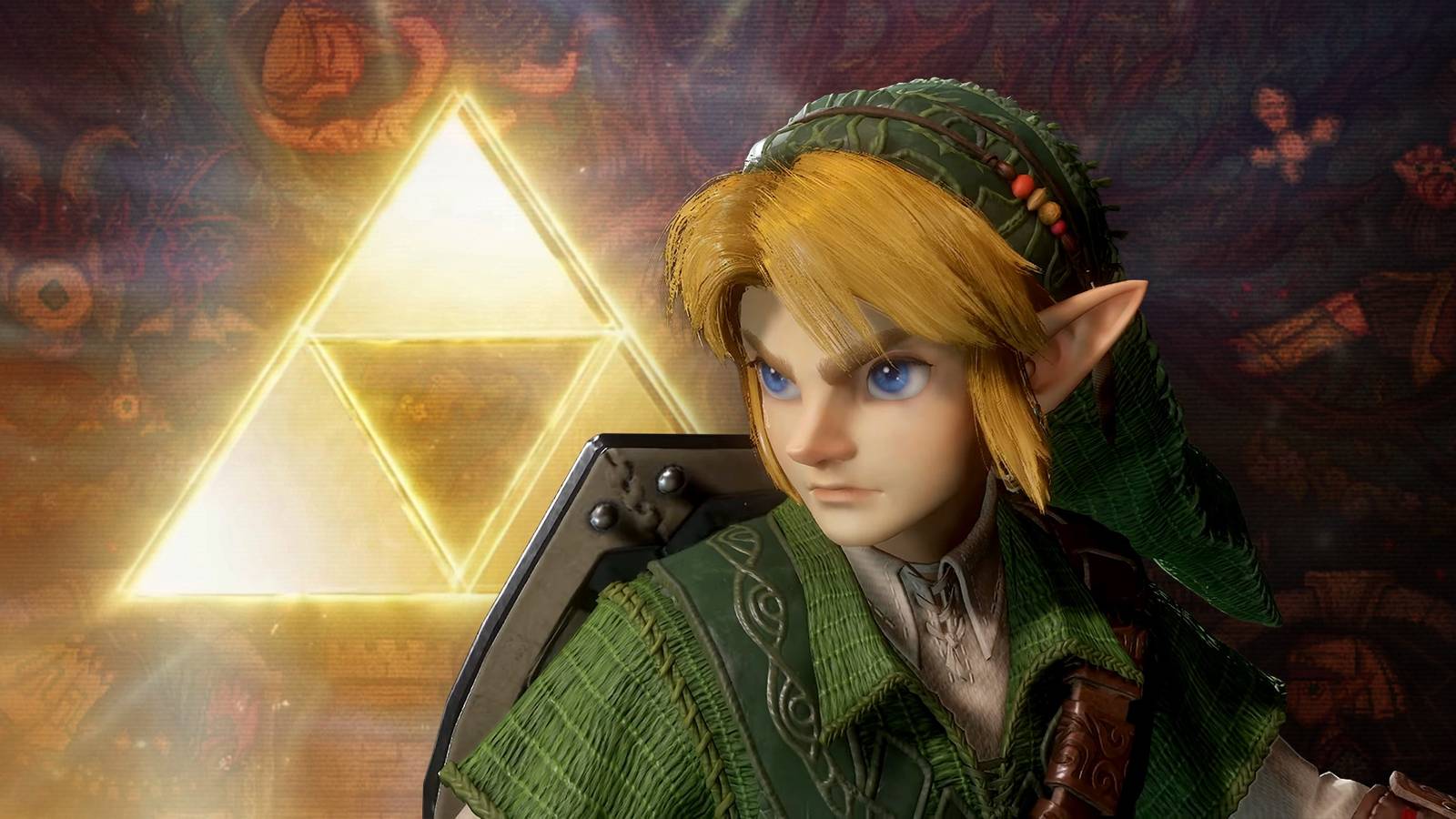
Released on November 5 exclusively for Nintendo’s latest hybrid console, the Ocarina of Time remake debuted to widespread critical acclaim. It currently ranks as the highest-rated game of 2026 on OpenCritic, with an average score of 95 based on 51 reviews. Critics have largely praised the remake for staying faithful to the landmark original while introducing meaningful improvements that go beyond a graphical overhaul. Among these is an expanded control scheme featuring a dedicated jump button, the ability to dash by holding down the roll button, and free camera control using the right stick. These additions bring exploration in Hyrule closer in line to modern Zelda games, although the default control layout can make certain actions awkward to perform simultaneously.
Switch 2 Pro Controller’s Rear Buttons Make Ocarina of Time Easier to Control
The official Nintendo Switch 2 Pro Controller offers a solution through its two programmable rear buttons, GL and GR. Mapping the A button to either one allows players to dash while keeping their right thumb on the camera stick. Without this adjustment, moving at full speed while controlling the camera can require an uncomfortable grip or repeatedly shifting between inputs.
The Switch 2 Pro Controller benefits extend beyond dashing, not least because the Ocarina of Time remake overhauls the original game’s inventory system and item-selection interface, creating other opportunities to position frequently used controls within easier reach. Rear-button assignments duplicate existing inputs rather than replacing them, so the face and directional buttons continue working normally. This gives players considerable flexibility to customize their controls according to their preferences and is a potential game-changer in terms of overall accessibility.
Best GL/GR Button Assignments for Zelda: Ocarina of Time Remake
|
Rear-Button Assignment |
Action |
Benefit |
|---|---|---|
|
A |
Roll/Dash |
Sprint while freely controlling the camera with the right stick. |
|
X |
Jump |
Jump without moving the right thumb away from the camera stick. |
|
D-pad Down |
Toggle Boots |
Switch boots without taking the left thumb off the movement stick. |
|
D-pad Up |
Toggle Accessory |
Quickly toggle an equipped accessory, such as the Lenses of Truth. |
|
D-pad Right |
Navi |
Consult Navi while maintaining movement control. |
|
L/R |
Quick Select Items |
Access item selection without relying on the usual shoulder buttons. |
For players who prioritize movement, mapping A (Dash/Roll) and X (Jump) to GL and GR is a particularly practical combination. This setup allows sprinting, jumping, and adjusting the camera without requiring players to constantly move their right thumb between the stick and face buttons. Such a setup can consequently make both combat and platforming more manageable, particularly when tracking enemies or lining up jumps mid-run.
How to Remap the Switch 2 Pro Controller for Zelda: Ocarina of Time Remake
Remapping the Switch 2 Pro Controller’s rear buttons can be done from the console’s Quick Settings menu, accessed by holding the Home button. When the controller is connected, the menu’s sidebar should display dedicated options for customizing the GL and GR buttons. If these options are missing, players may need to enable “Button Mapping in Quick Settings” under the Switch 2’s Accessibility settings. The GL and GR buttons are not an exclusive feature of the second-generation Switch Pro Controller, as they can also be found on the backs of the Nintendo Joy-Con 2 Charging Grip and several third-party gamepads.

- Released
-
November 5, 2026
- ESRB
-
Everyone 10+ / Animated Blood, Fantasy Violence
- Developer(s)
-
Nintendo
- Publisher(s)
-
Nintendo

Source: ScreenRant