





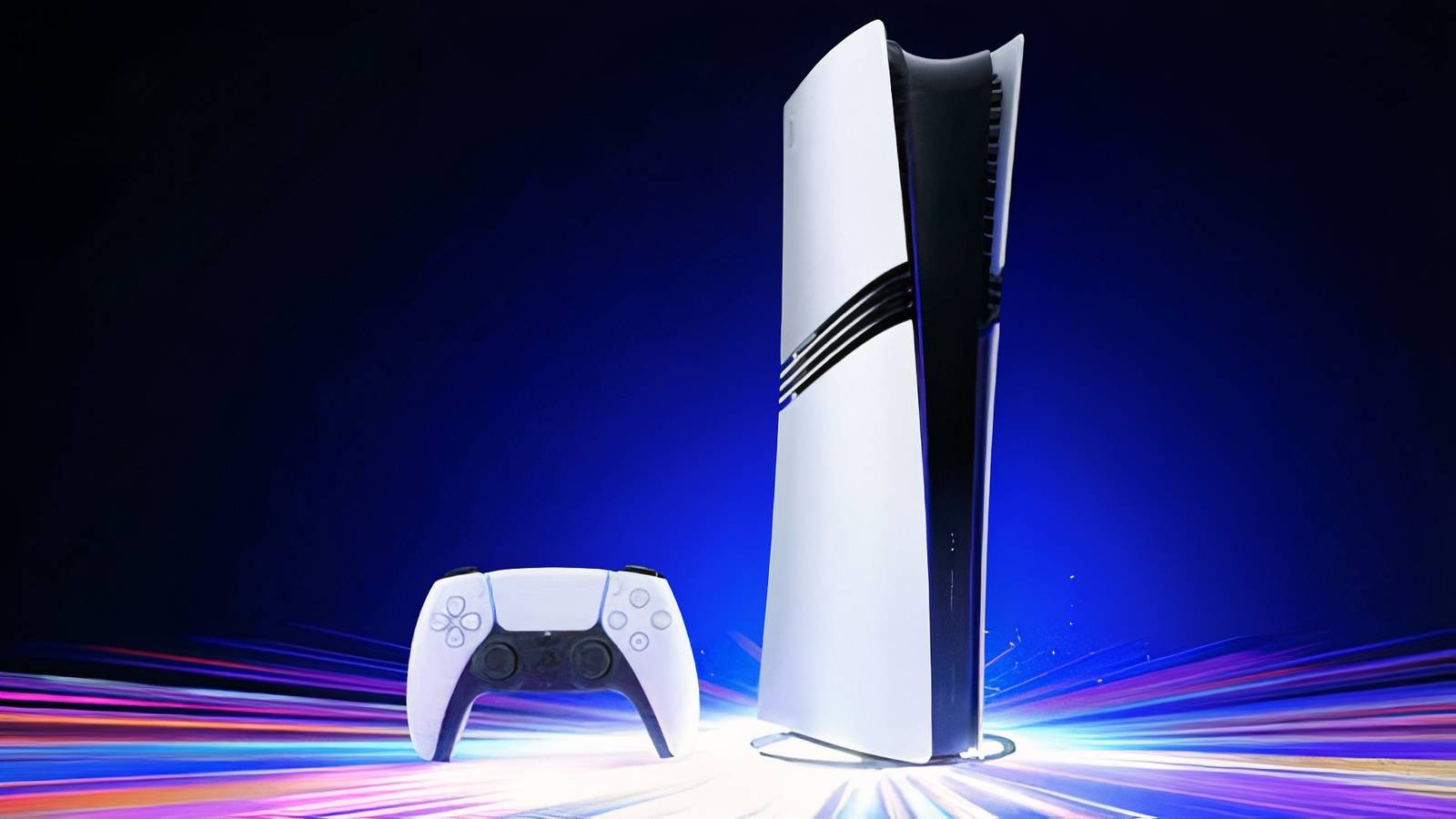
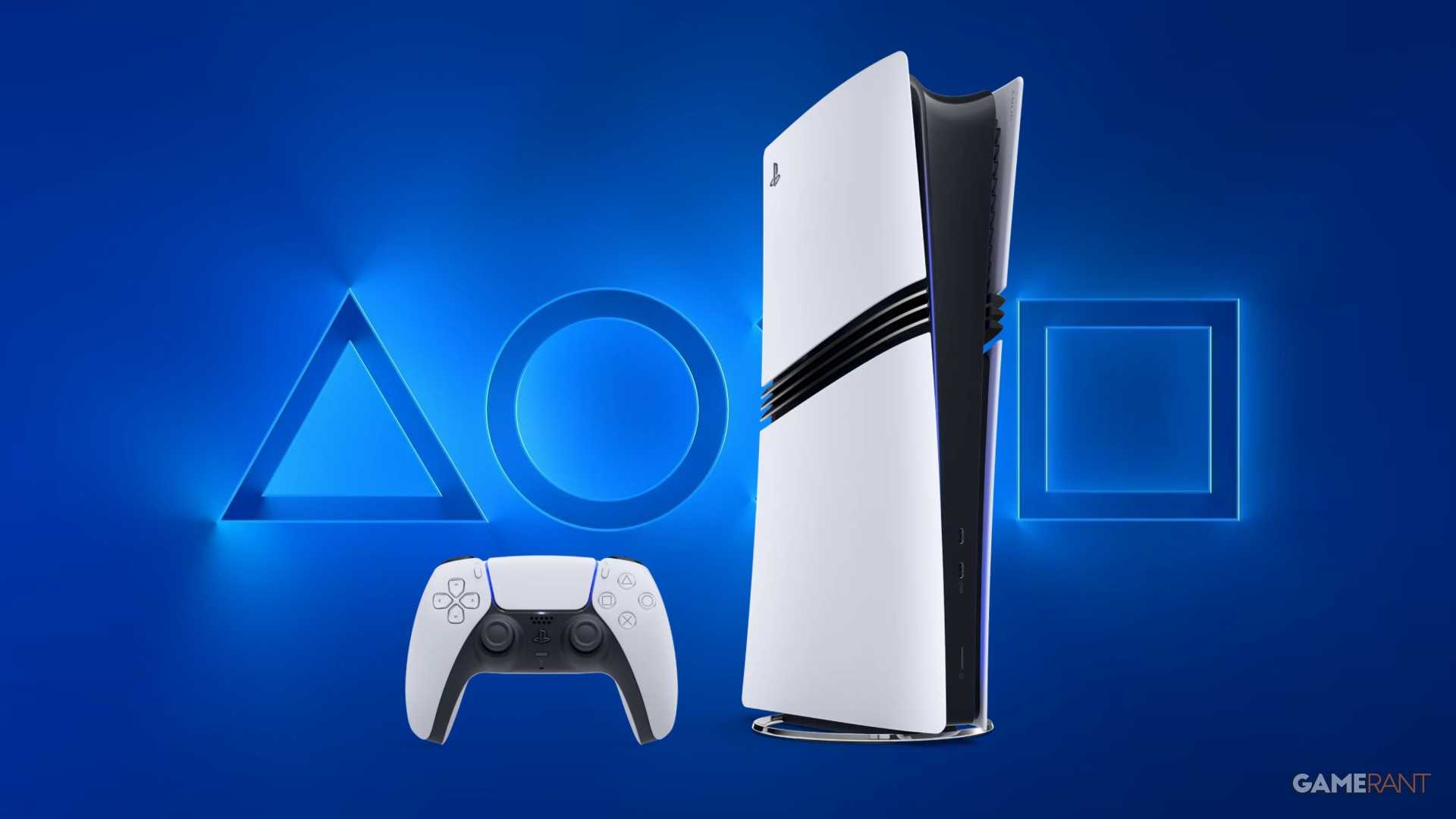
A new PlayStation 5 console update has gone live for beta testers, and it brings a few interesting changes to the system. However, unless users are eSports participants or PS5 Pro owners failing to make use of the console’s tech, the update can be safely ignored.
Still, the fact that there are any changes at all in the August update makes it more intriguing than the one that released in July. July’s PS5 console update simply made general stability improvements for the console, with no other changes listed in the patch notes released by Sony. This general stability note tends to show up in most patches released for the PS5, with it once again showing up in the August notes. And while Sony making sure its current hardware runs as smoothly as possible is obviously good, it’s hardly as interesting as the PSSR or Bluetooth changes.
PS5’s August 2026 Update Focuses on PSSR and Bluetooth
-
 GameRant | Source images: Sony
 -
 Image via Sony
 -
 Image via Southeast Asian Games
As reported by PushSquare, the first of the two key patch notes for PS5’s August update centers around PSSR. For those unfamiliar with the acronym, PlayStation Spectral Super Resolution is the technology used to improve the image quality and performance of older games. While one would expect anyone who cares enough about game performance to buy a PS5 Pro to be fully aware of PSSR and its impact, it seems like some players have been failing to make use of PSSR 2.0 technology.
GameRant Quiz
Easy (15s)Medium (10s)Hard (5s)
With the August PS5 update, Sony is making it so that the “Enhance Image Quality” setting PSSR 2.0 needs to shine is on by default. This will see PSSR 2.0 slotted in for any game that supporte PSSR, even if it hasn’t been officially certified for the new iteration of the feature. This is hugely beneficial, as the boost in image quality is clear, so it’s good news that any players that had been missing out on this setting will now be making use of it by default. It may not be useful to many PS5 Pro owners, as gamers seeking cutting-edge tech are well aware of PSSR, but more people will benefit from this change than the other key patch note.
What’s That Weapon?

Identify the silhouettes before time runs out.
Identify the silhouettes before time runs out.
Easy (7.5s)Medium (5.0s)Hard (2.5s)Permadeath (2.5s)
The other significant part of the August 2026 PS5 update will be a godsend for eSports enjoyers, but completely irrelevant to pretty much everybody else. Sony is making it so that players can turn off Bluetooth technology, which removes the rest mode option completely until turned back on. While a purely detrimental update seems odd, the reasoning seems sound: managing DualSense controller connections at eSports events will be far less of a headache without Bluetooth getting in the way.
Full August 2026 PS5 Patch Notes are as follows:
-
We’ve turned on Enhance PSSR Image Quality as a default setting. When you update the system software, this setting automatically turns on. When you enable this feature, enhanced PSSR is used even for games that support the previous version of PSSR so you can enjoy a sharper and clearer visual experience.
- To turn off this setting, go to Settings > Screen and Video > Video Output > Enhance PSSR Image Quality.
- This feature is available only on PS5 Pro.
-
We’ve changed the following features for PS5 consoles and PS5 Pro consoles in certain countries or regions.
- If you go to Settings > Accessories > General > Advance Settings and select Turn Off Bluetooth, you’re no longer able to put your console into rest mode. Additionally, HDMI link is no longer supported when you select Turn Off Bluetooth.
- The Turn Off Bluetooth function is for managing controller connections at esports venues and similar locations. Do not use this feature for any other purpose.
- We’ve improved system software performance and stability.
While the update is ultimately useless for casual players and PS5 Pro owners that have been taking advantage of the system’s tech, it’s nice to see that Sony is taking even small groups of gamers into consideration. Come September, a new PS5 console update can be expected, and it will be interesting to see what it adds, removes, or alters.