



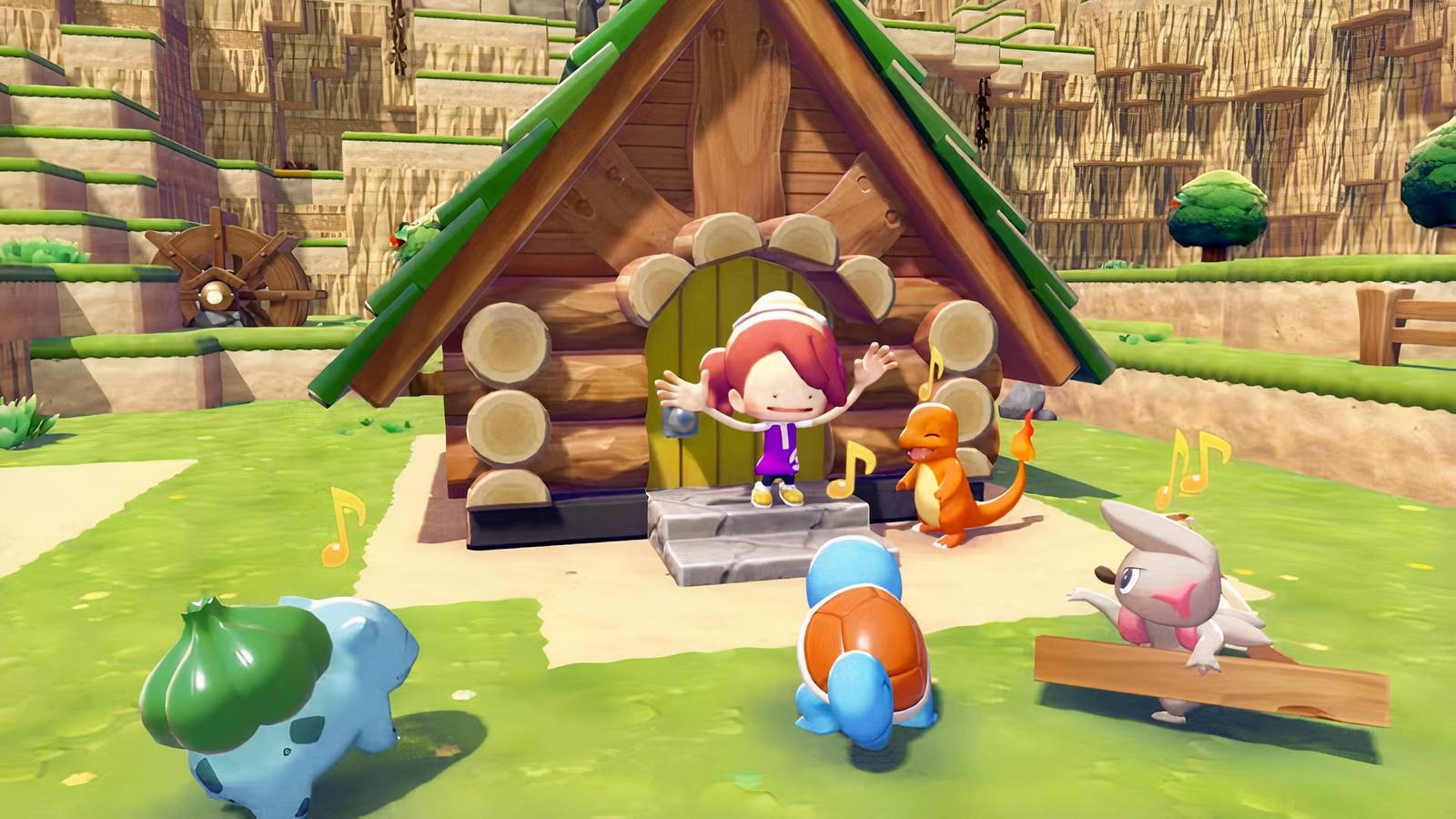
Pokemon Pokopia fans should be very cautious when moving buildings using Relocation Kits, as players are learning that one slip-up might potentially lock them out from moving any buildings ever again. Getting an island in Pokemon Pokopia to look just right can be an intense and time-consuming process, and there are steps players can take to protect their islands from this newly discovered Relocation Kit issue.
The success of thisPokemon life sim is due in part to its extensive customization options, which let players transform various regions of the game’s world however they see fit. It’s easy for many players to spend hours building in Pokmeon Pokopia, finding unique combinations of in-game assets that let their creativity shine forth in unique ways.
Pokopia Player Shows What It Looks Like When You Destroy an Entire Island in Sparkling Skylands
A dedicated Pokemon Pokopia player goes to great lengths to demolish Sparkling Skylands to the ground, only to hit a roadblock.
Pokemon Pokopia Players Urge Caution When Using Relocation Kits
But striving for perfection in design can also become a major problem, as moving a building in Pokemon Pokopia can have some serious repercussions if players aren’t careful. This was the case for Reddit user sbronzo, who recently shared a word of warning regarding Relocation Kits, special items that allow for the moving of a user-built structure from one point on an island to another. This player had constructed a wooden house that didn’t match the aesthetics of the region where they built it, and they decided to dispose of it by putting it in a Relocation Kit, presumably to put it somewhere else. Then, while transformed into a Magnemite, the player instead dropped the loaded Relocation Kit into an abyss in the Sparkling Skylands region, placing it far out of bounds and into an unreachable area of the game’s world, in an attempt to dispose of it.
Dropping the loaded kit turned out to be a major mistake, as, after the fact, the game informed the player that they would not be able to move any other structures until the first relocation was completed. Seemingly an impossible task, considering that the kit had fallen into an inaccessible area, the player presumed they were locked out of the option to move buildings in Pokemon Pokopia ever again in that playthrough.

Handily, some other fans of the game were quick to rush to the rescue with helpful advice for anyone in a similar situation. Each region in Pokemon Pokopia can only support up to 512 dropped objects due to memory constraints, and the game begins despawning older objects once a 513th one has been placed into a region’s playable area. With that in mind, one common tactic players have put forth is to drop a bunch of other items into the world, forcing the loaded Relocation Kit out of existence entirely and, with any luck, allowing for other Relocation Kits to be usable once again.
New Questions Added!
GameRant Quiz
Easy (15s)Medium (10s)Hard (5s)Permadeath (5s)
Some others have also suggested checking the lost and found box outside Pokopia‘s Pokemon Center. This box is typically used to store items and objects that guests have picked up during multiplayer sessions, but some players have noted that kits have shown up in loot bags at that location when they ran into somewhat similar situations.


- Released
-
March 5, 2026
- ESRB
-
Everyone / Users Interact, In-Game Purchases